> For the complete documentation index, see [llms.txt](https://docs.pancakeswap.finance/llms.txt). Markdown versions of documentation pages are available by appending `.md` to page URLs; this page is available as [Markdown](https://docs.pancakeswap.finance/vietnamese/chao-mung-den-voi-pancakeswap/vecake-sunset/archive-vecake/how-to-get-vecake.md).
# Cách nhận veCAKE?
Giống như pool staking CAKE cố định, để tận hưởng các lợi ích từ veCAKE, chỉ cần khóa CAKE trong một khoảng thời gian.
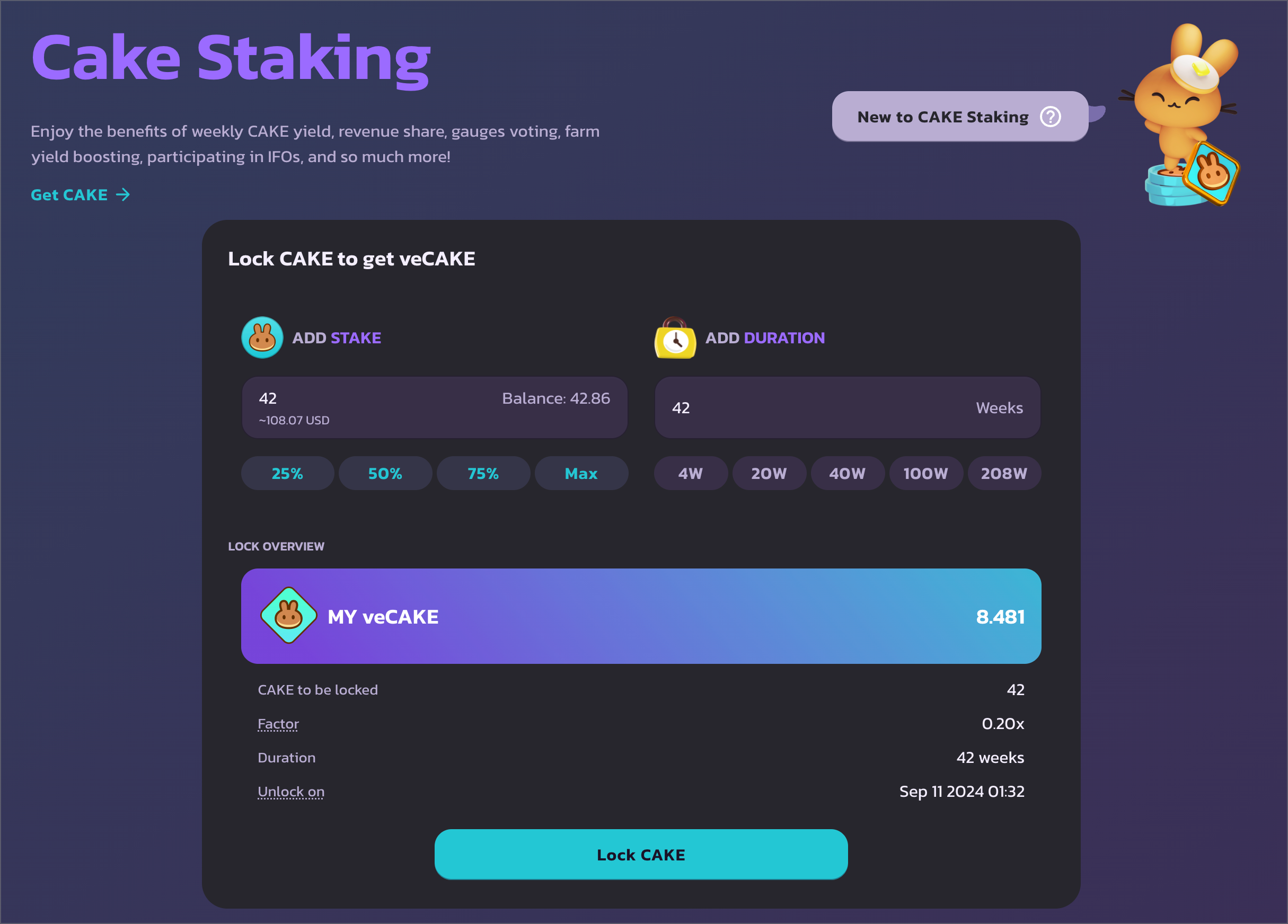
## Truy cập trang CAKE staking
Điều hướng đến và kết nối ví của bạn. Lưu ý rằng veCAKE staking chỉ có thể thực hiện trên BNB Chain.
## Chọn số lượng và thời gian khóa
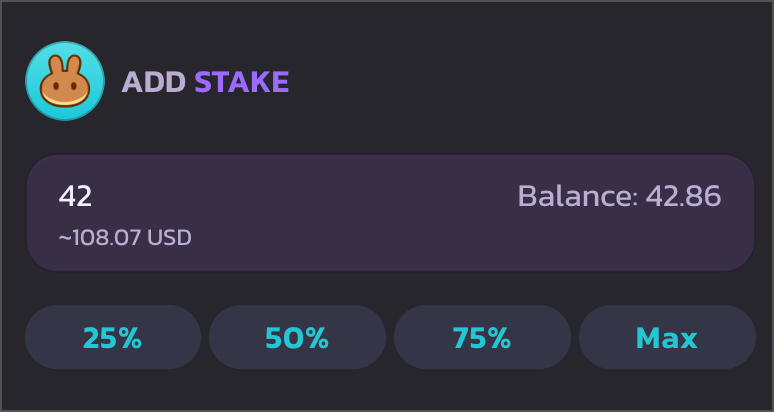
Ở bên trái, bạn có thể nhập số lượng CAKE bạn muốn khóa.
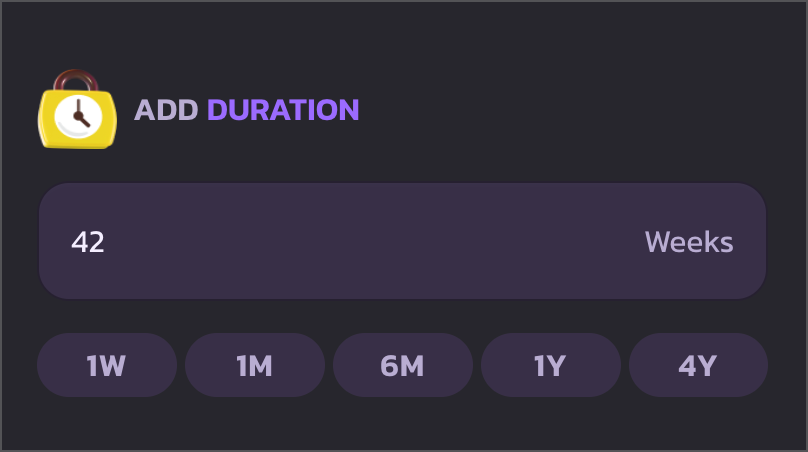
Ở bên phải, bạn có thể chọn thời gian để khóa CAKE. Thời gian khóa tối thiểu là 1 tuần, và thời gian khóa tối đa hiện đã được mở rộng lên 4 năm.
Để nhanh chóng chọn thời gian khóa, hãy sử dụng các nút hành động nhanh để chọn giữa: 1 tuần, 1 tháng, 6 tháng, 1 năm và 4 năm.
## Phê duyệt chi tiêu CAKE và bắt đầu khóa
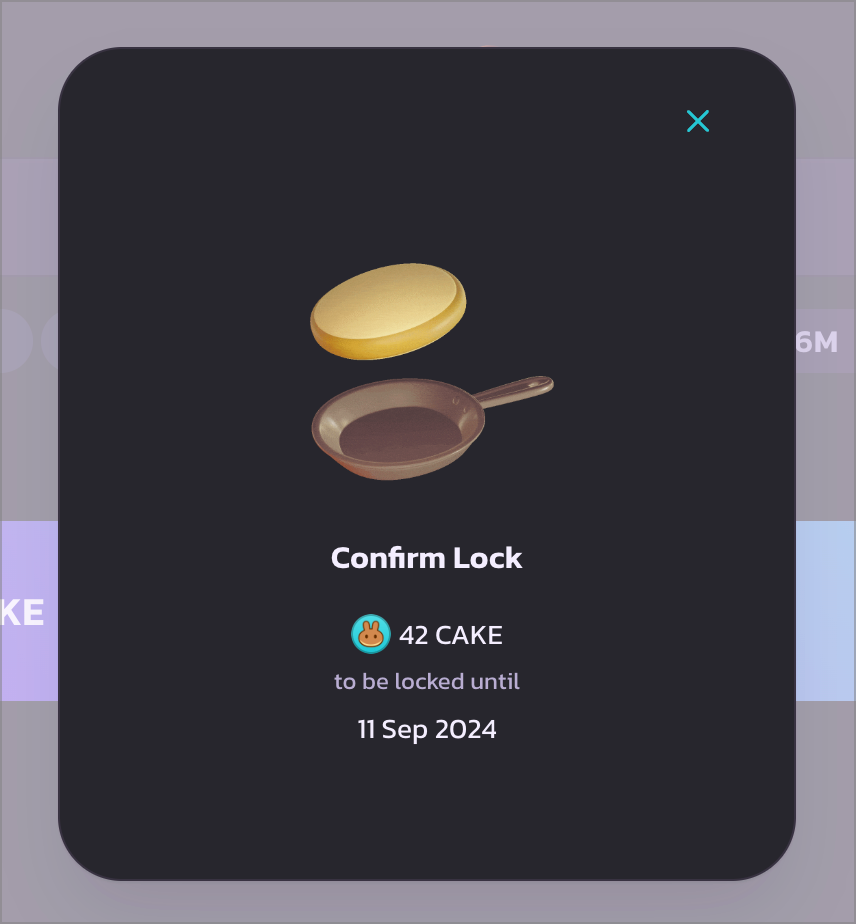
Sau khi xác nhận, nhấp "Lock CAKE" để tiếp tục. Một modal tải sẽ xuất hiện. Và ví của bạn sẽ yêu cầu bạn xác nhận chi tiêu CAKE. Xác nhận giao dịch trong ví để tiếp tục.
Sau khi giao dịch phê duyệt chi tiêu CAKE được thực thi, một cửa sổ bật lên ví khác sẽ xuất hiện. Xác nhận giao dịch đó để khóa CAKE và nhận veCAKE.
## Hoàn tất
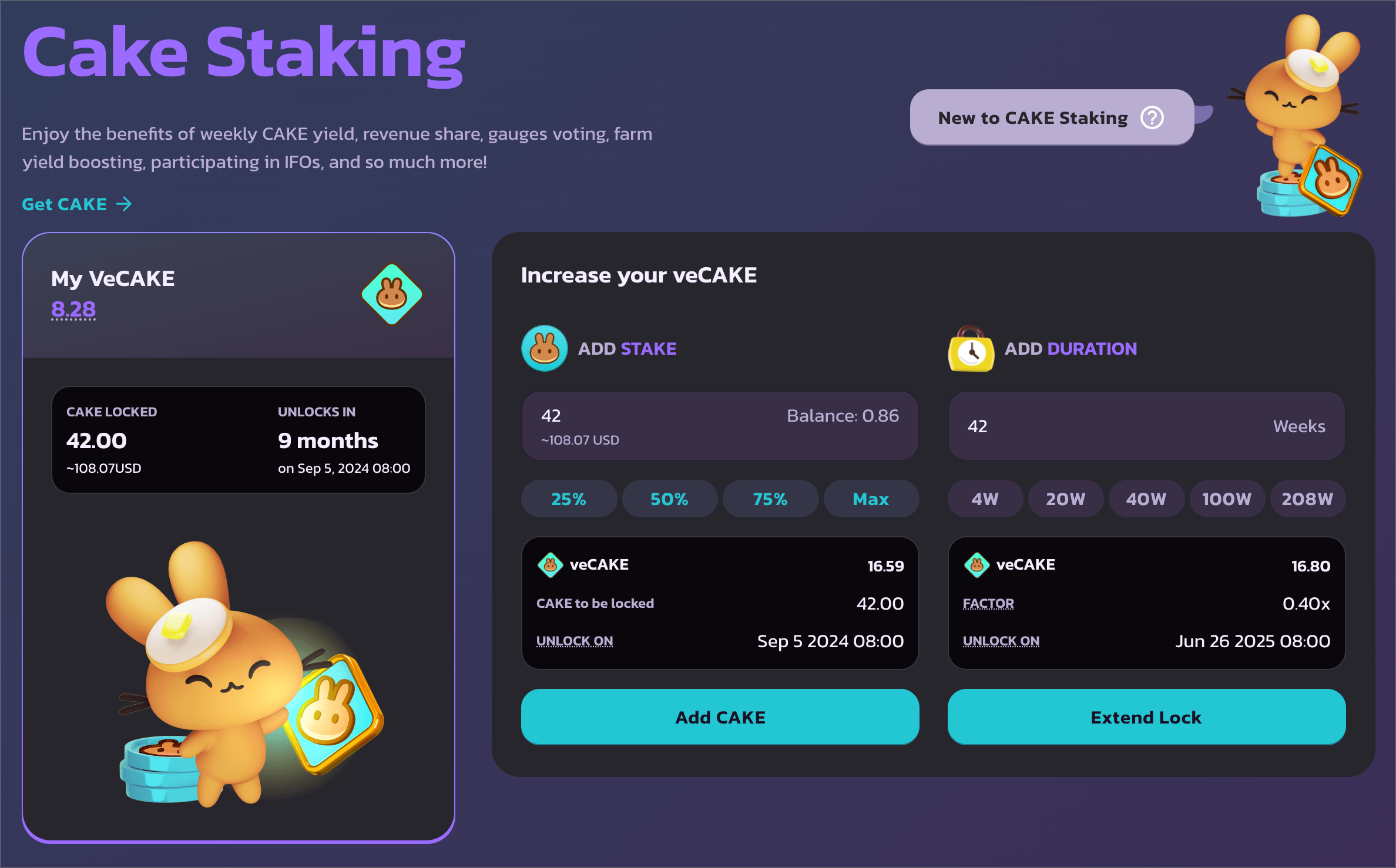
Sau khi xác nhận, bạn sẽ thấy thông tin chi tiết vị trí staking veCAKE của mình ở bên trái, với số lượng CAKE đã khóa và thời gian mở khóa. Và quan trọng nhất - số lượng veCAKE của bạn.
Cuộn xuống để kiểm tra tất cả các lợi ích veCAKE.
---
# Agent Instructions
This documentation is published with GitBook. GitBook is the documentation platform designed so that both humans and AI agents can read, navigate, and reason over technical content effectively. Learn more at gitbook.com.
## Querying This Documentation
If you need additional information that is not directly available in this page, you can query the documentation dynamically by asking a question.
Perform an HTTP GET request on the current page URL with the `ask` query parameter, and the optional `goal` query parameter:
```
GET https://docs.pancakeswap.finance/vietnamese/chao-mung-den-voi-pancakeswap/vecake-sunset/archive-vecake/how-to-get-vecake.md?ask=&goal=
```
`ask` is the immediate question: it should be specific, self-contained, and written in natural language.
`goal` is optional and describes the broader end goal you are ultimately trying to accomplish on behalf of the user. GitBook uses it to tailor the answer towards what is most useful for that goal.
The response will contain a direct answer to the question and relevant excerpts and sources from the documentation.
Use this mechanism when the answer is not explicitly present in the current page, you need clarification or additional context, or you want to retrieve related documentation sections.