> For the complete documentation index, see [llms.txt](https://docs.pancakeswap.finance/llms.txt). Markdown versions of documentation pages are available by appending `.md` to page URLs; this page is available as [Markdown](https://docs.pancakeswap.finance/turkish/pancakeswapa-hos-geldiniz/vecake-sunset/archive-vecake/how-to-get-vecake.md).
# veCAKE nasıl alınır?
Sabit süreli CAKE staking havuzunda olduğu gibi, veCAKE avantajlarından yararlanmak için CAKE'ini belirli bir süre kilitlemen yeterli.
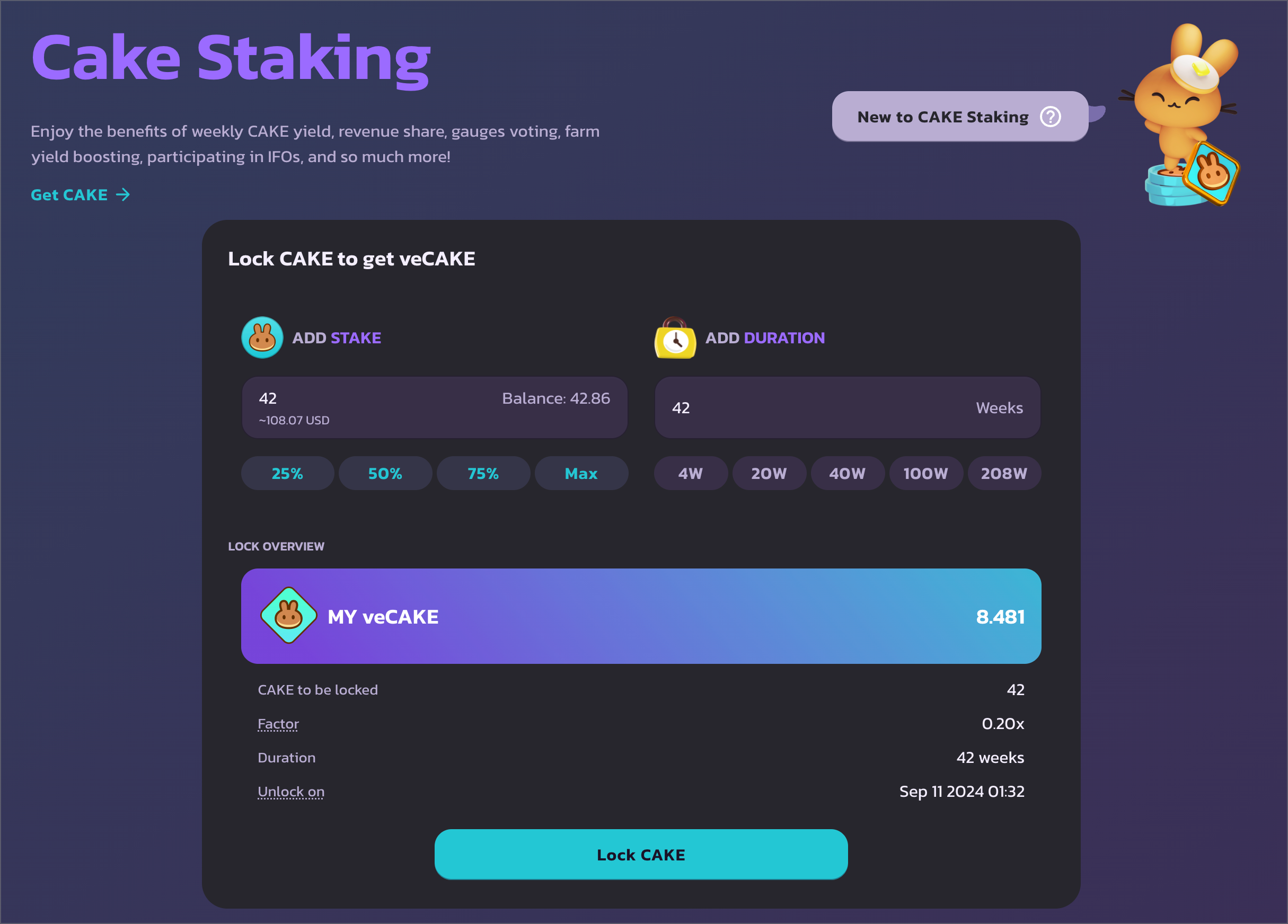
## CAKE staking sayfasına git adresine git ve cüzdanını bağla. veCAKE staking'in yalnızca BNB Chain'de kullanılabildiğini unutma.
## Kilit miktarını ve süresini seç
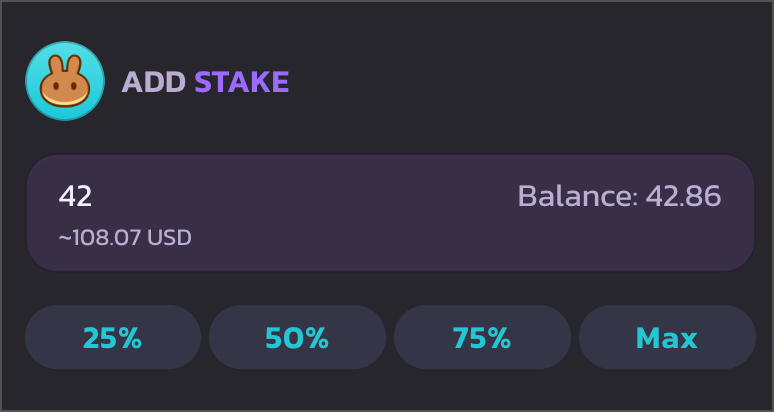
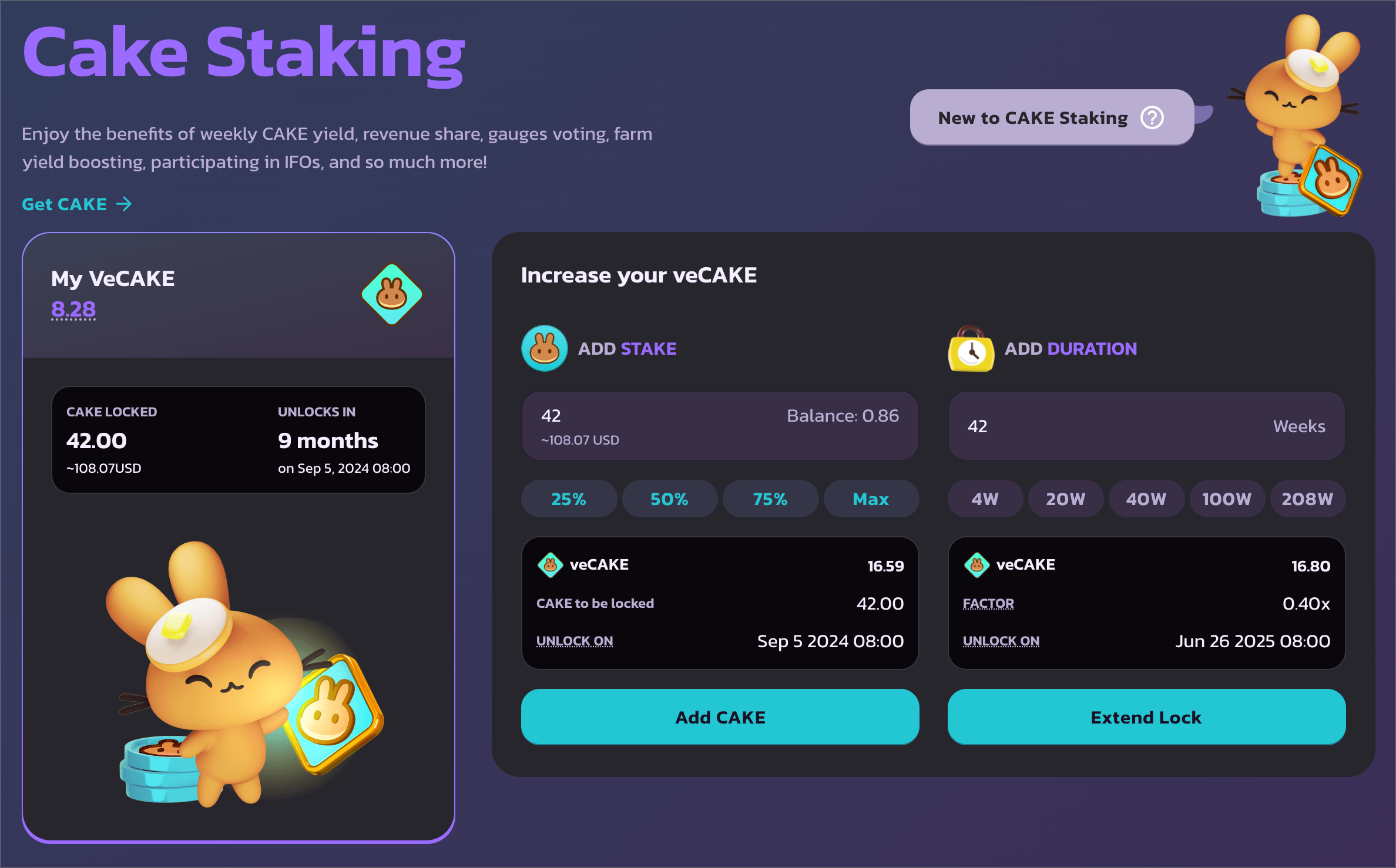
Sol tarafta kilitlemek istediğin CAKE miktarını girebilirsin.
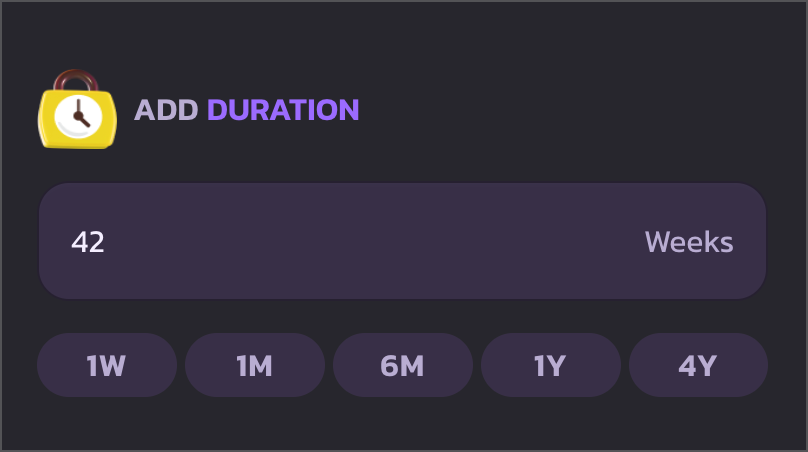
Sağ tarafta CAKE'ini kilitleeceğin süreyi seçebilirsin. Minimum kilit süresi 1 hafta, maksimum kilit süresi ise 4 yıla uzatılmış durumda.
Kilitleme süresini hızlıca seçmek için hızlı eylem düğmelerini kullanarak 1 hafta, 1 ay, 6 ay, 1 yıl ve 4 yıl arasından seçim yapabilirsin.
## CAKE harcamasını onayla ve kilitlemeye başla
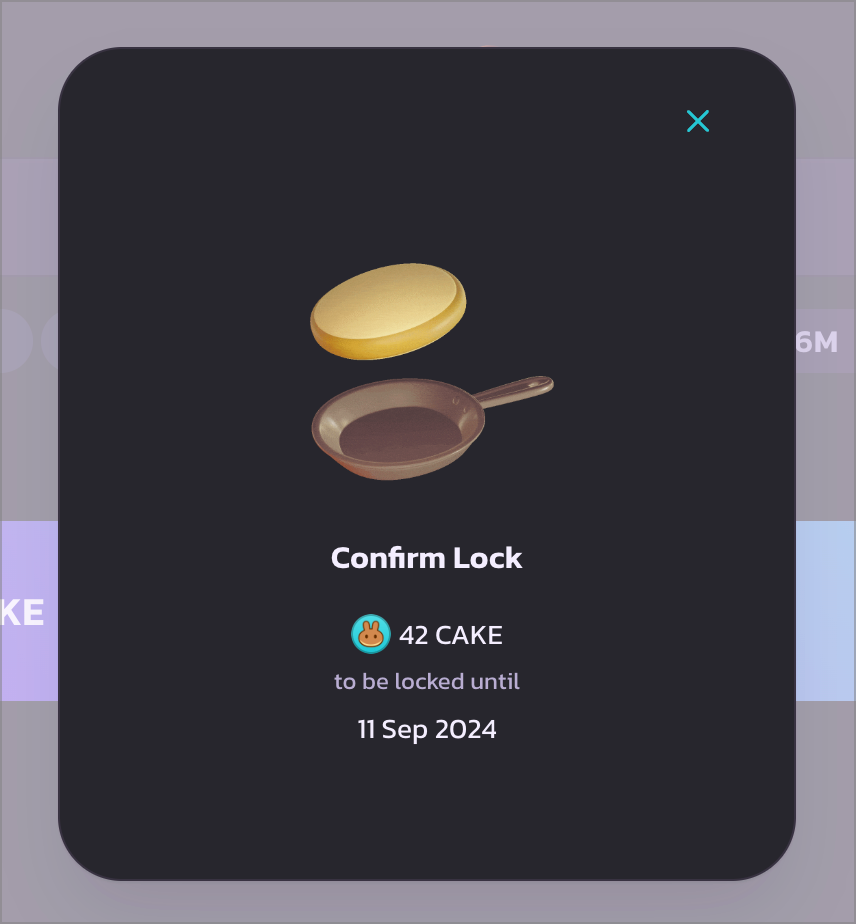
Onayladıktan sonra devam etmek için "CAKE Kilitle"ye tıkla. Bir yükleme modalı görünecek ve cüzdanın CAKE harcamasını onaylamana yönlendirecek. Devam etmek için cüzdandaki işlemi onayla.
CAKE harcama onay işlemi gerçekleştirildikten sonra başka bir cüzdan açılır penceresi belirecek. CAKE'i kilitlemek ve veCAKE almak için o işlemi de onayla.
## Tebrikler
Onaylandıktan sonra, sol tarafta kilitlenmiş CAKE miktarını ve kilit açılma zamanını gösteren veCAKE staking pozisyon ayrıntılarını görebilirsin. Ve en önemlisi – veCAKE miktarını.
Tüm veCAKE avantajlarını kontrol etmek için aşağı kaydır.
---
# Agent Instructions
This documentation is published with GitBook. GitBook is the documentation platform designed so that both humans and AI agents can read, navigate, and reason over technical content effectively. Learn more at gitbook.com.
## Querying This Documentation
If you need additional information that is not directly available in this page, you can query the documentation by asking a question.
Perform an HTTP GET request on the following URL with the `ask` and `goal` query parameters:
```
GET https://docs.pancakeswap.finance/turkish/pancakeswapa-hos-geldiniz/vecake-sunset/archive-vecake/how-to-get-vecake.md?ask=&goal=
```
`ask` is the immediate question: it should be specific, self-contained, and written in natural language.
`goal` is what the user is ultimately trying to achieve, the reason they need the answer. Sharing it helps GitBook give you a better, more relevant answer. A goal is most helpful when it describes the outcome the user wants rather than restating the question. For example, with `ask=how do I create an API token`, a goal like `automate deployments from our CI pipeline` lets GitBook tailor the answer to that use case.
The response will contain a direct answer to the question and relevant excerpts and sources from the documentation.
Use this mechanism when the answer is not explicitly present in the current page, you need clarification or additional context, or you want to retrieve related documentation sections.