> For the complete documentation index, see [llms.txt](https://docs.pancakeswap.finance/llms.txt). Markdown versions of documentation pages are available by appending `.md` to page URLs; this page is available as [Markdown](https://docs.pancakeswap.finance/turkish/pancakeswapa-hos-geldiniz/contact-us/faq/what-is-an-approval-transaction.md).
# Onay İşlemi Nedir?
**İlk kez Swap yaptığında veya likidite eklediğinde, takas ettiğin token'ı onaylaman gerekir. Bu, PancakeSwap akıllı sözleşmesine Cüzdan'ından o token'ı takas etme izni verir.**
Onay işlemi, PancakeSwap'e Cüzdan'ından token'ı takas etme izni tanır. PancakeSwap üzerinden takas yapmak istediğin her token için bir onay işlemi tamamlaman gerekir.
Bir onay işleminin nasıl tamamlanacağına dair kılavuz:
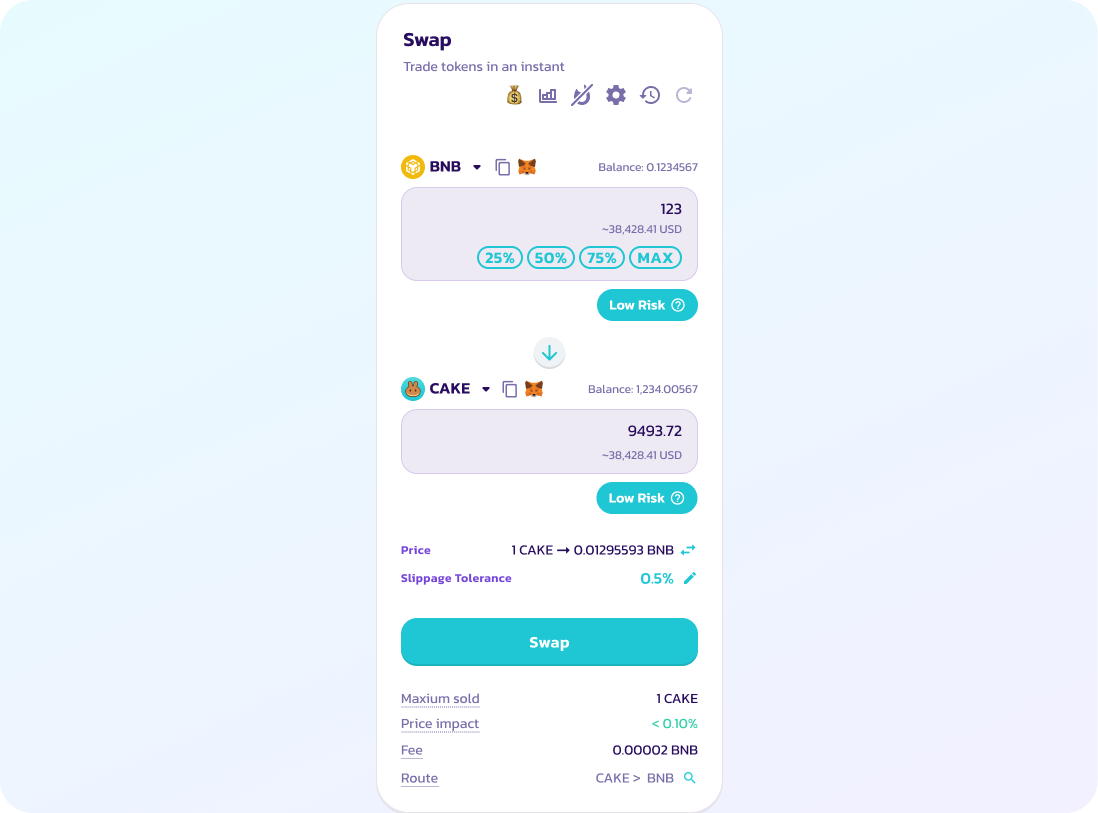
1. Swap ayrıntılarını gir.
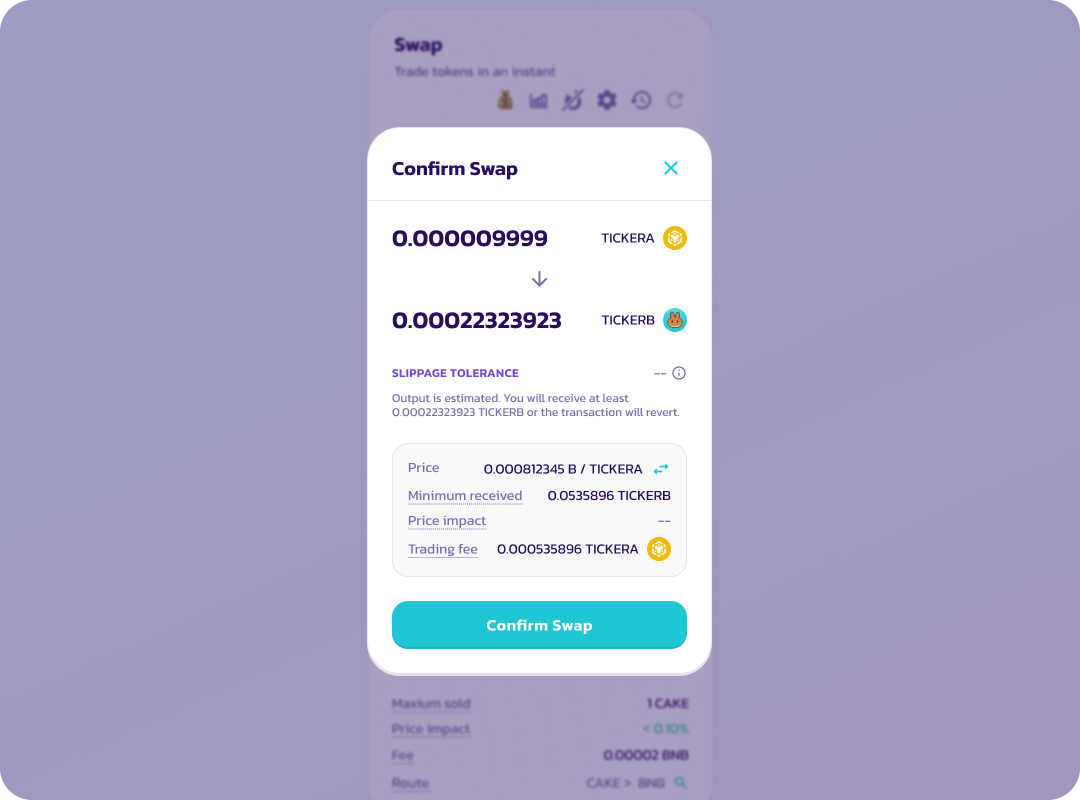
2. Swap ayrıntılarını inceledikten sonra "Swap'ı onayla" seçeneğini tıkla.
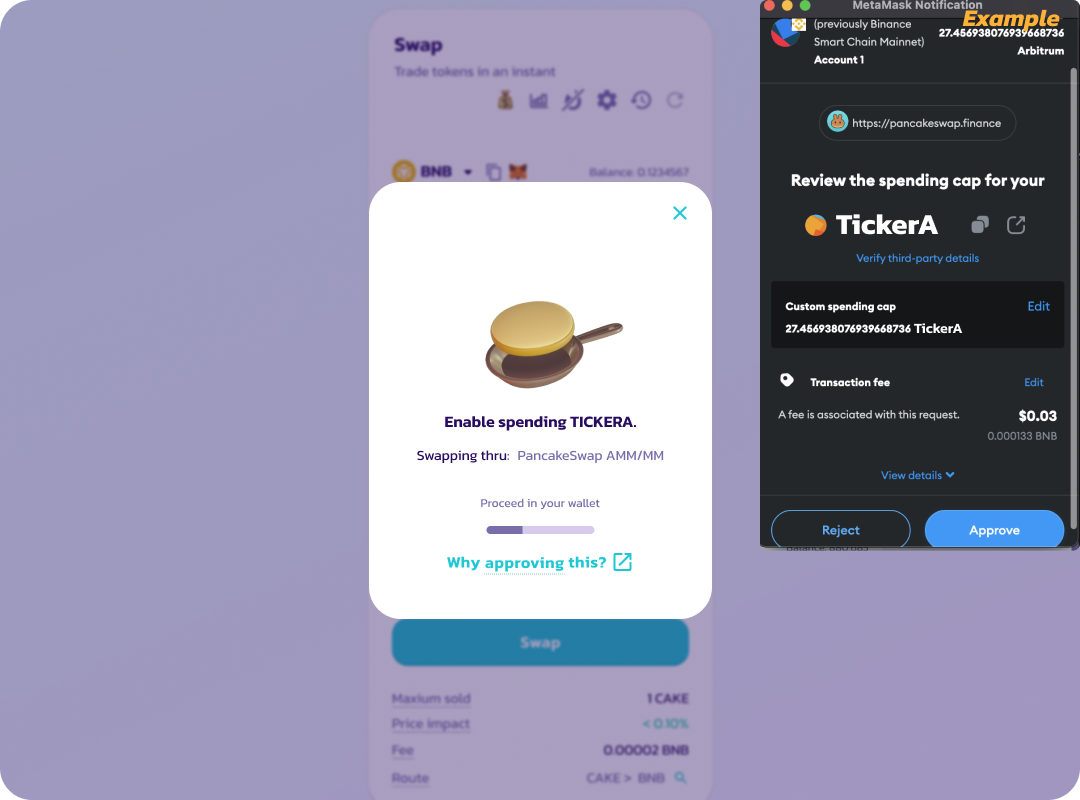
3. Cüzdan uygulamasında veya Cüzdan uzantısında, takas ettiğin token için harcama iznini onayla.
Token'ın Cüzdan'ında Swap için kullanılmasına izin ver.
*Cüzdan'ın onaylamak istediğin token sayısını girmenizi isteyebilir. Lütfen takas ettiğin token sayısına eşit veya daha büyük bir sayı gir.*
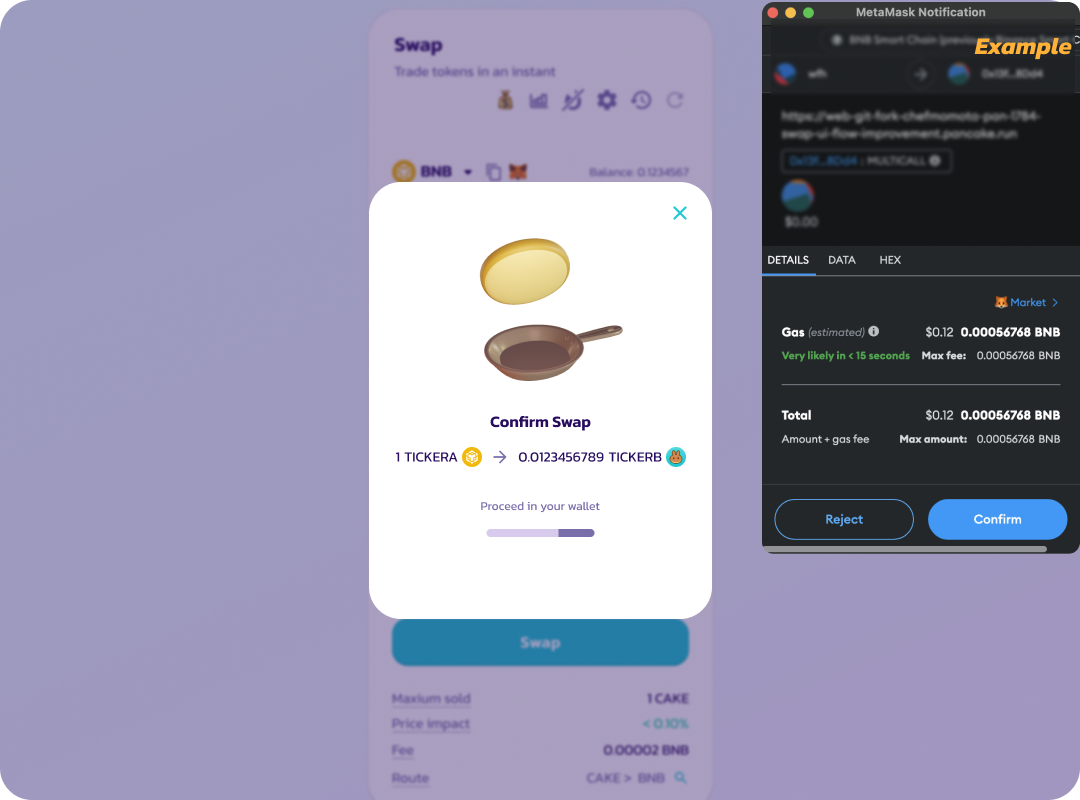
4. Onayın ardından, Swap'ı onaylamanı isteyen başka bir işlem görünecektir.
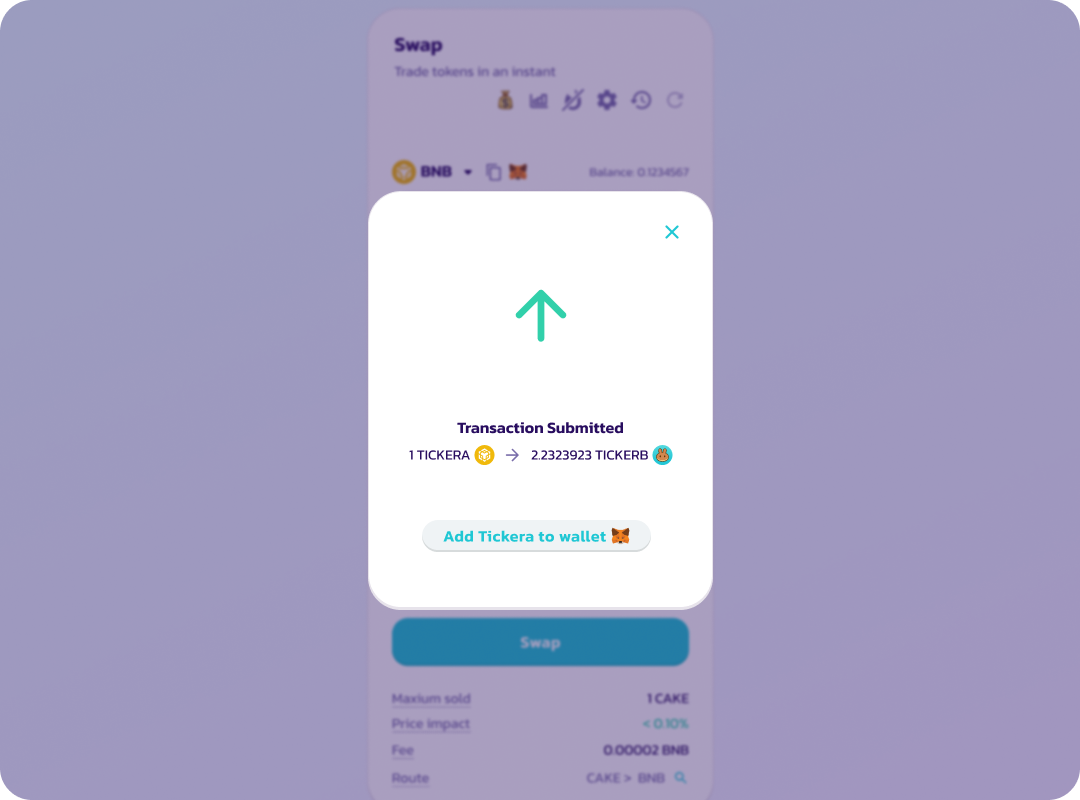
5. Swap onaylandıktan sonra işlem blok zincirine gönderilir (beklemede).
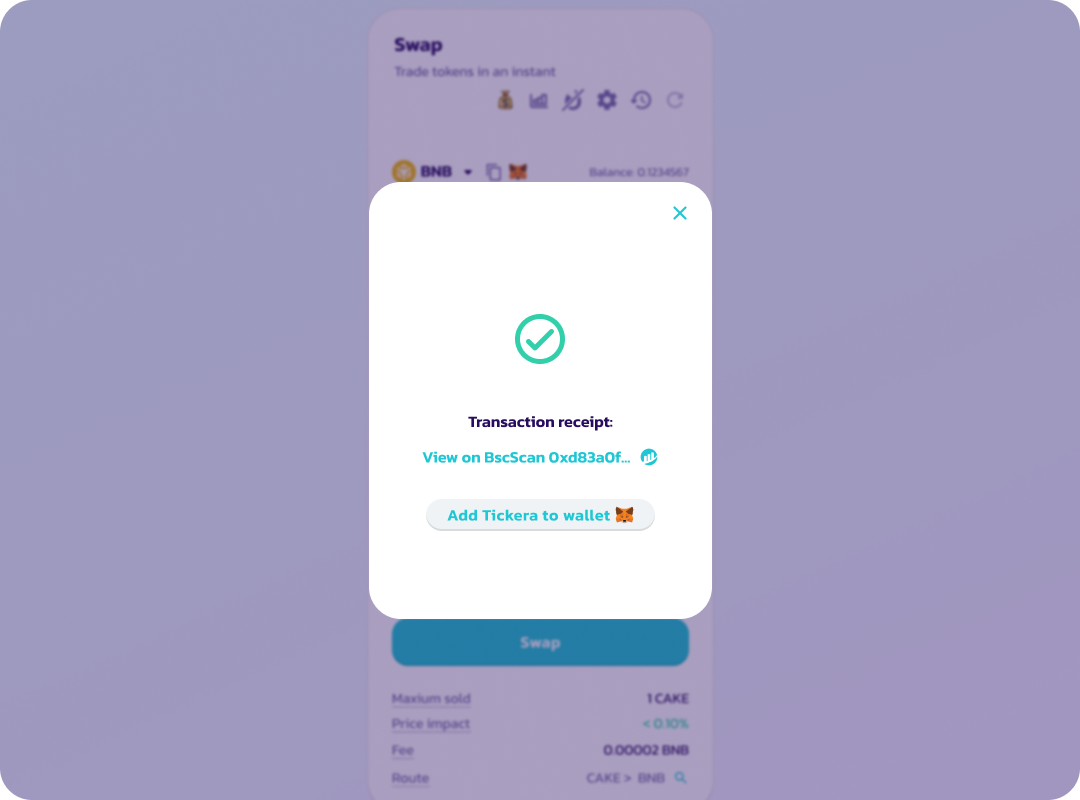
6. İşlem başarıyla tamamlandığında ekranda "Başarılı" yazısı ve yeşil bir onay işareti görünecektir.
Token onayı belirli bir süre geçerlidir; daha sonra token'ın imza isteğiyle tekrar onaylanması gerekecektir. Onay imzası ağ ücreti gerektirmez.
---
# Agent Instructions
This documentation is published with GitBook. GitBook is the documentation platform designed so that both humans and AI agents can read, navigate, and reason over technical content effectively. Learn more at gitbook.com.
## Querying This Documentation
If you need additional information that is not directly available in this page, you can query the documentation by asking a question.
Perform an HTTP GET request on the following URL with the `ask` and `goal` query parameters:
```
GET https://docs.pancakeswap.finance/turkish/pancakeswapa-hos-geldiniz/contact-us/faq/what-is-an-approval-transaction.md?ask=&goal=
```
`ask` is the immediate question: it should be specific, self-contained, and written in natural language.
`goal` is what the user is ultimately trying to achieve, the reason they need the answer. Sharing it helps GitBook give you a better, more relevant answer. A goal is most helpful when it describes the outcome the user wants rather than restating the question. For example, with `ask=how do I create an API token`, a goal like `automate deployments from our CI pipeline` lets GitBook tailor the answer to that use case.
The response will contain a direct answer to the question and relevant excerpts and sources from the documentation.
Use this mechanism when the answer is not explicitly present in the current page, you need clarification or additional context, or you want to retrieve related documentation sections.