> For the complete documentation index, see [llms.txt](https://docs.pancakeswap.finance/llms.txt). Markdown versions of documentation pages are available by appending `.md` to page URLs; this page is available as [Markdown](https://docs.pancakeswap.finance/turkish/oyna/prediction/prediction-leaderboard.md).
# Tahmin - Liderlik Tablosu
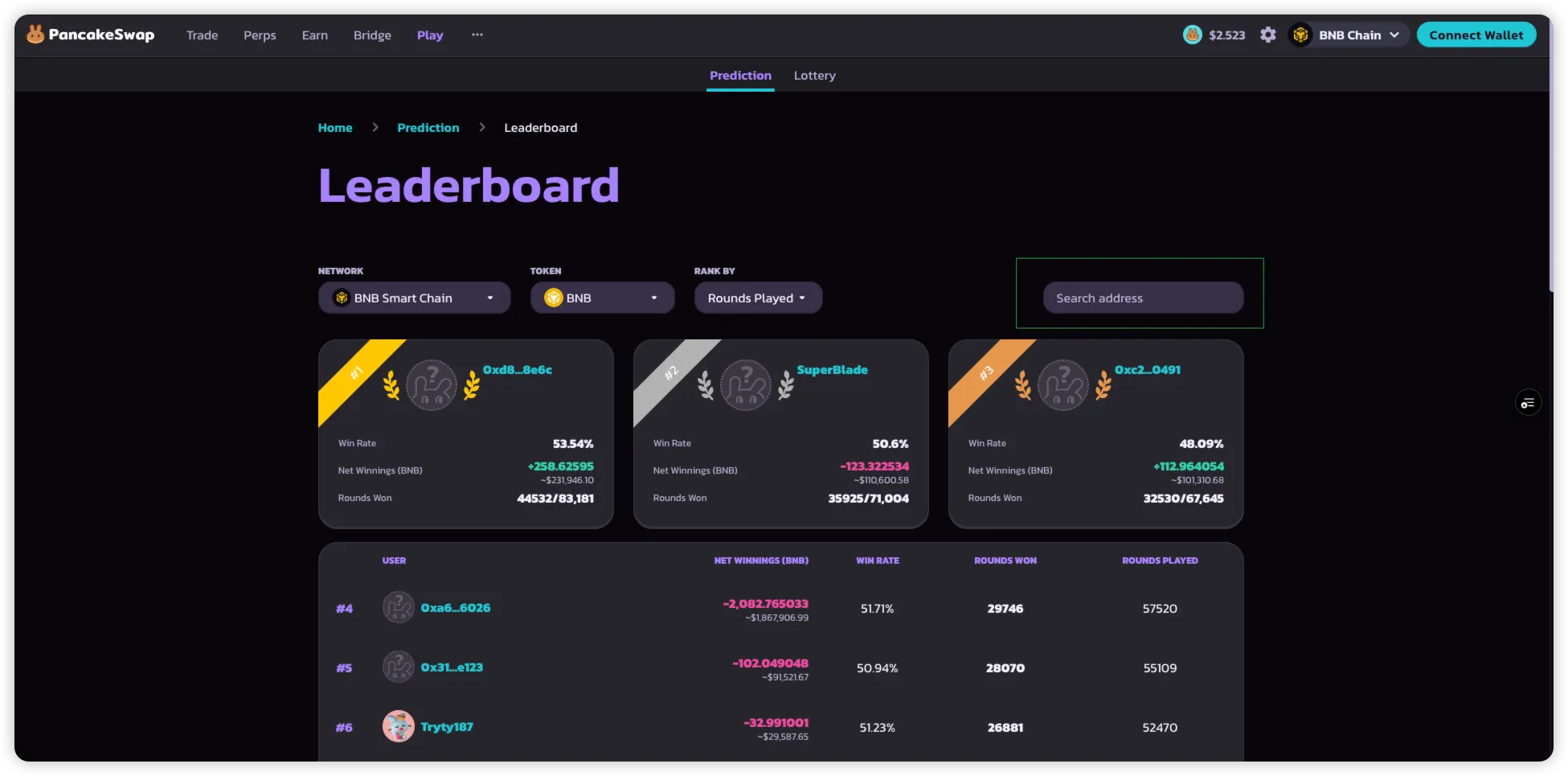
**Tahmin Liderlik Tablosu**, PancakeSwap Tahmin'deki en iyi katılımcıları öne çıkarır.\
Oyuncuların farklı ölçütlere göre diğerleriyle kıyaslandıklarında nasıl sıralandıklarını görmelerini sağlar.
> **Not**: Varsayılan olarak liderlik tablosunda yer almak için bir cüzdanın en az **10 tura** katılmış olması gerekir.\
> Belirli cüzdan adresleri yine de manuel olarak aranabilir.
### Liderlik Tablosu Nasıl Kullanılır
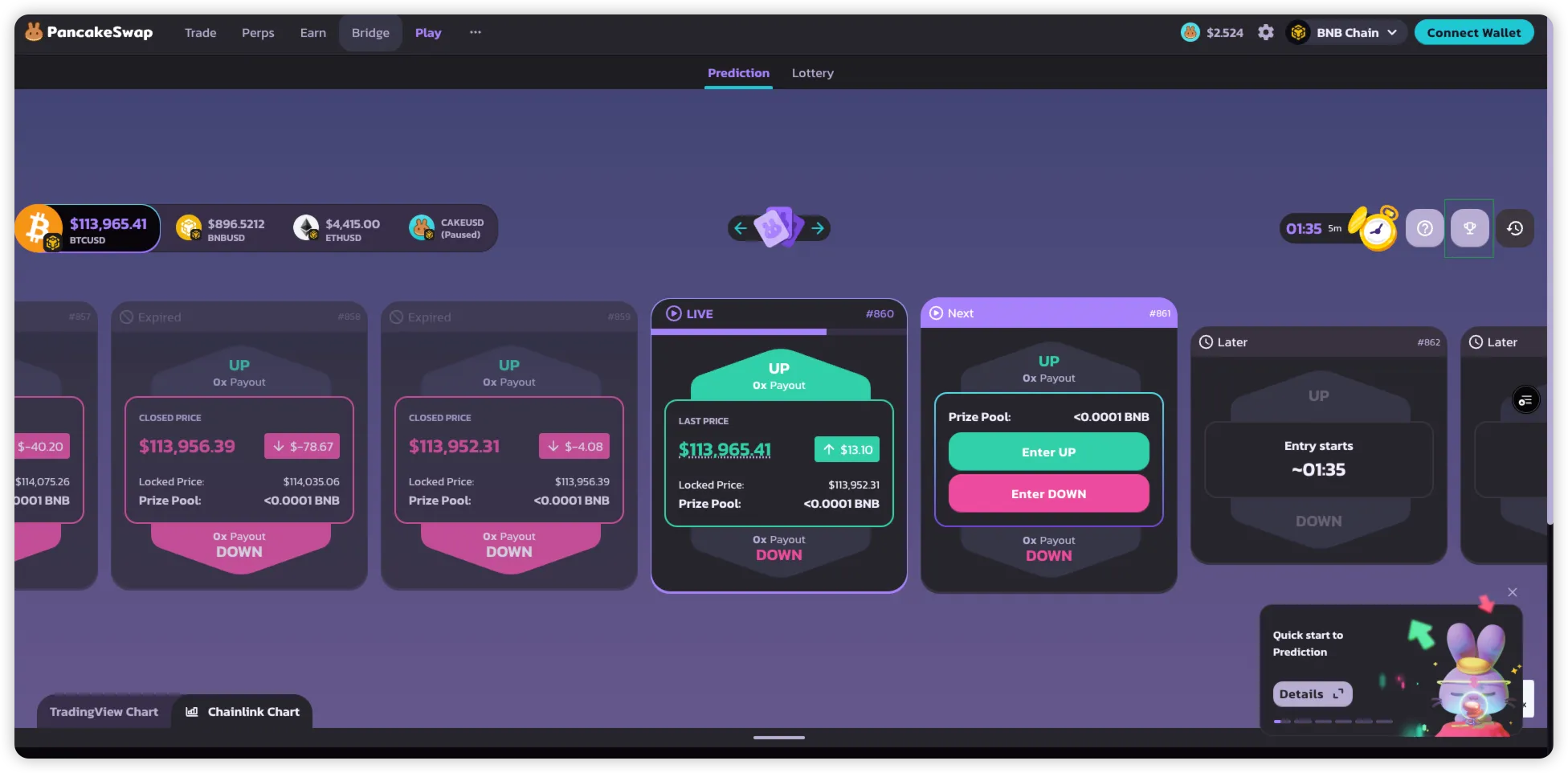
1. **Liderlik Tablosuna**, doğrudan Tahmin sayfasından erişebilirsin.
2. **Token'a Göre Filtrele**
* En iyi oyuncuları görüntülemek istediğin piyasayı (BNB, BTC, ETH) seç.
3. **Sıralama Ölçütüne Göre Sırala**
* **Oynanan Turlar**: Bir kullanıcının katıldığı toplam tur sayısı.
* **Net Kazançlar**: Başarılı tahminlerden kazanılan toplam token, %3 ücret düşüldükten sonra.
* **Toplam BNB**: Tahminler için kullanılan toplam BNB miktarı.
* **Kazanma Oranı**: Kazanılan tur sayısının toplam katılınan tur sayısına oranı.
4. **Cüzdan Adresine Göre Ara**
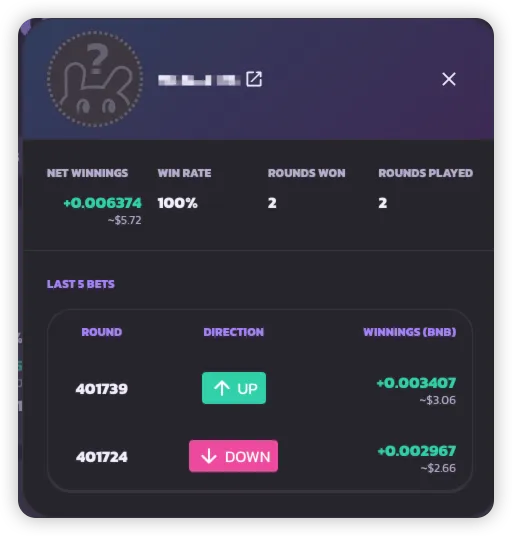
* 10 tur eşiğini karşılamayan adresler dahil herhangi bir cüzdan adresinin puan kartını görüntülemek için adresi gir.
***
---
# Agent Instructions
This documentation is published with GitBook. GitBook is the documentation platform designed so that both humans and AI agents can read, navigate, and reason over technical content effectively. Learn more at gitbook.com.
## Querying This Documentation
If you need additional information that is not directly available in this page, you can query the documentation dynamically by asking a question.
Perform an HTTP GET request on the current page URL with the `ask` query parameter, and the optional `goal` query parameter:
```
GET https://docs.pancakeswap.finance/turkish/oyna/prediction/prediction-leaderboard.md?ask=&goal=
```
`ask` is the immediate question: it should be specific, self-contained, and written in natural language.
`goal` is optional and describes the broader end goal you are ultimately trying to accomplish on behalf of the user. GitBook uses it to tailor the answer towards what is most useful for that goal.
The response will contain a direct answer to the question and relevant excerpts and sources from the documentation.
Use this mechanism when the answer is not explicitly present in the current page, you need clarification or additional context, or you want to retrieve related documentation sections.