> For the complete documentation index, see [llms.txt](https://docs.pancakeswap.finance/llms.txt). Markdown versions of documentation pages are available by appending `.md` to page URLs; this page is available as [Markdown](https://docs.pancakeswap.finance/russian/dobro-pozhalovat-v-pancakeswap/vecake-sunset/archive-vecake/how-to-get-vecake.md).
# Как получить veCAKE?
Как и в случае с фиксированным пулом стейкинга CAKE, для получения преимуществ veCAKE достаточно заблокировать CAKE на определённый период времени.
## Перейди на страницу стейкинга CAKE
Перейди на и подключи кошелёк. Обрати внимание, что стейкинг veCAKE доступен только в BNB Chain.
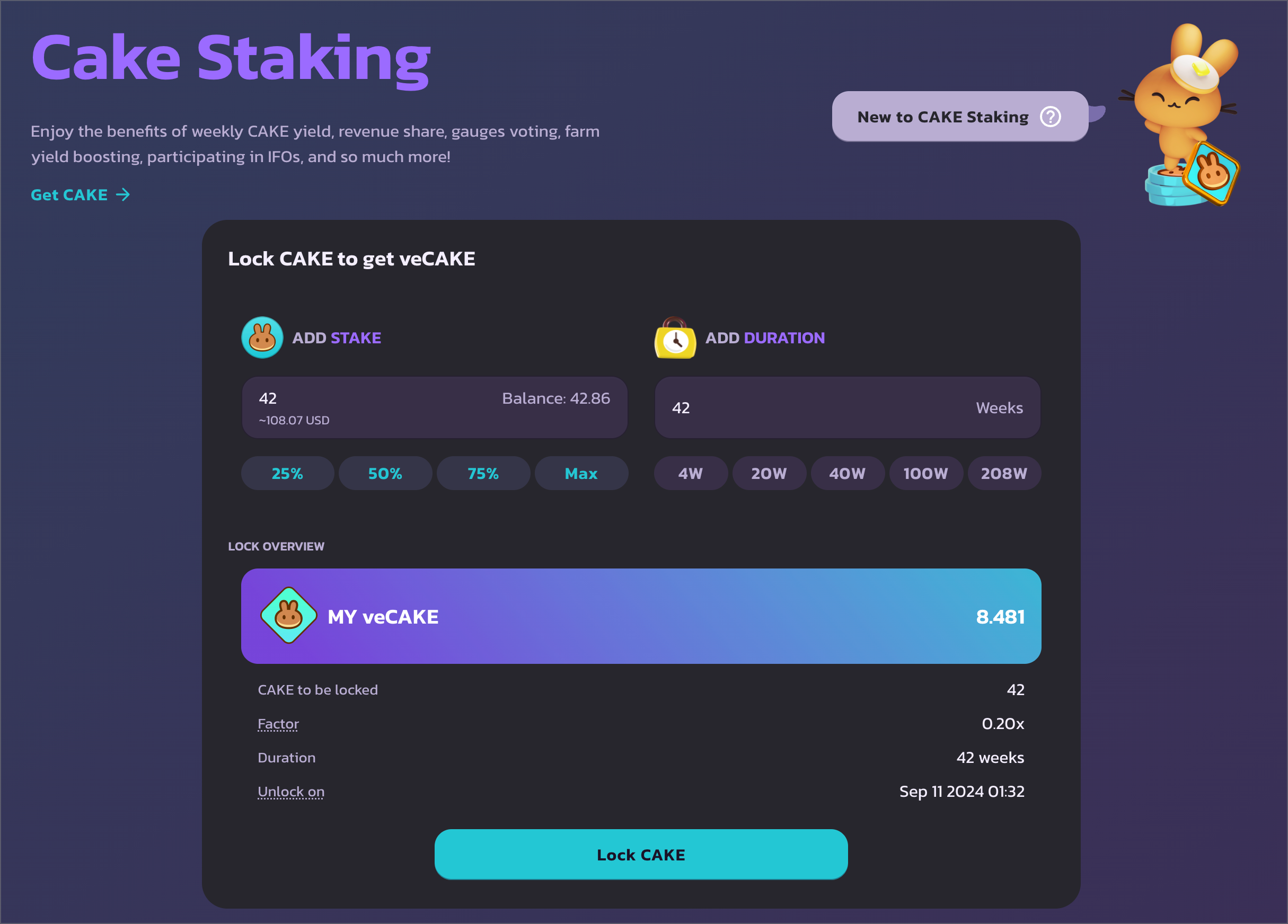
## Выбери сумму и срок блокировки
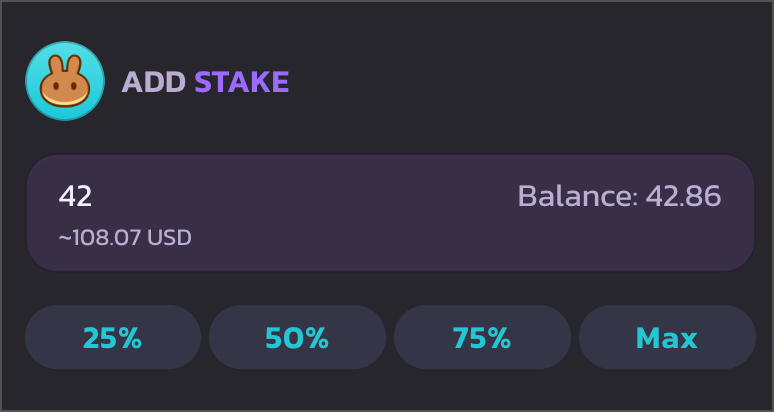
Слева можно указать количество CAKE для блокировки.
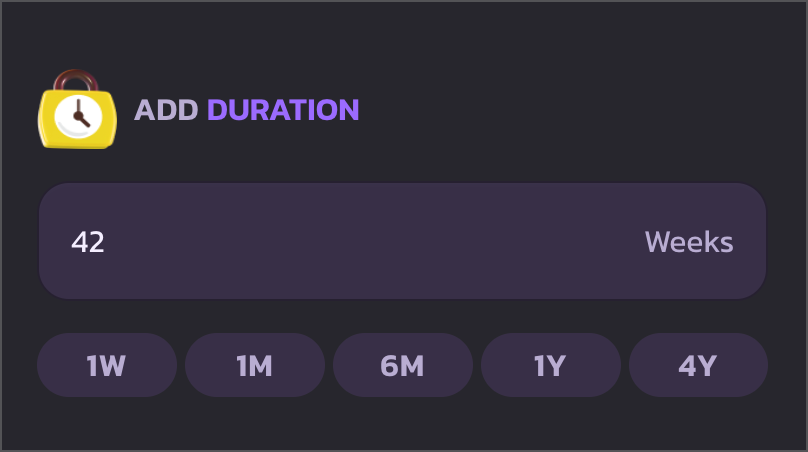
Справа можно выбрать срок блокировки CAKE. Минимальный срок блокировки — 1 неделя, максимальный — 4 года.
Для быстрого выбора срока блокировки воспользуйся кнопками быстрого действия: 1 неделя, 1 месяц, 6 месяцев, 1 год и 4 года.
## Одобри расходование CAKE и начни блокировку
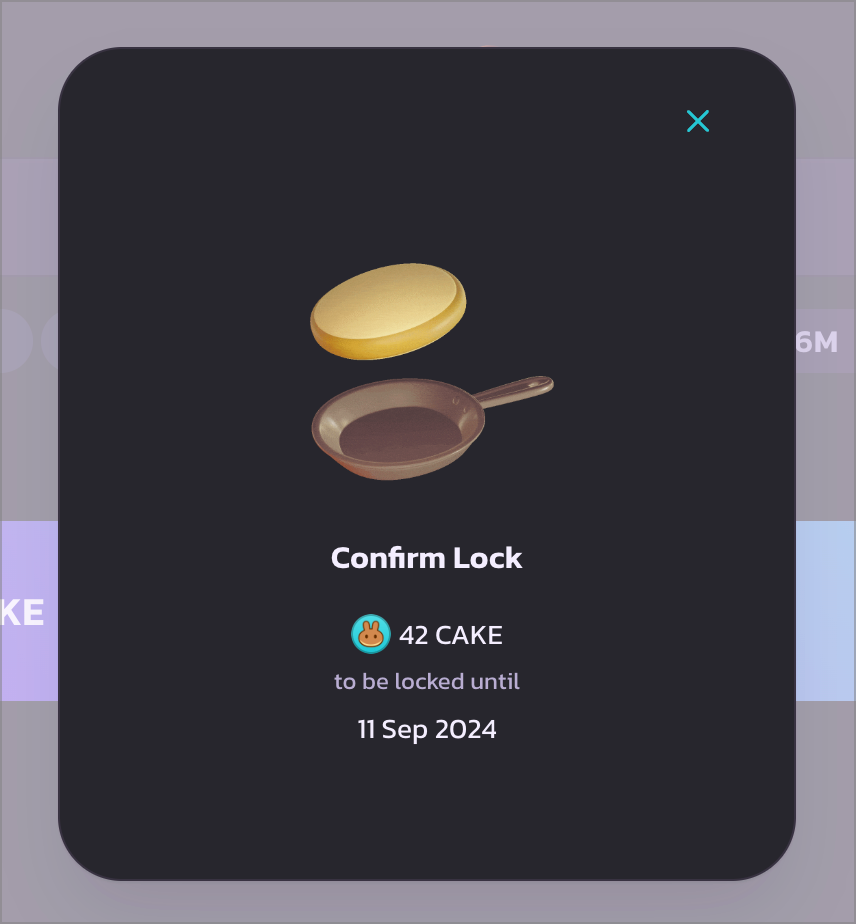
После подтверждения нажми «Lock CAKE» для продолжения. Появится модальное окно загрузки, и кошелёк запросит подтверждение расходования CAKE. Подтверди транзакцию в кошельке для продолжения.
После выполнения транзакции одобрения расходования CAKE появится ещё одно всплывающее окно кошелька. Подтверди эту транзакцию, чтобы заблокировать CAKE и получить veCAKE.
## Готово
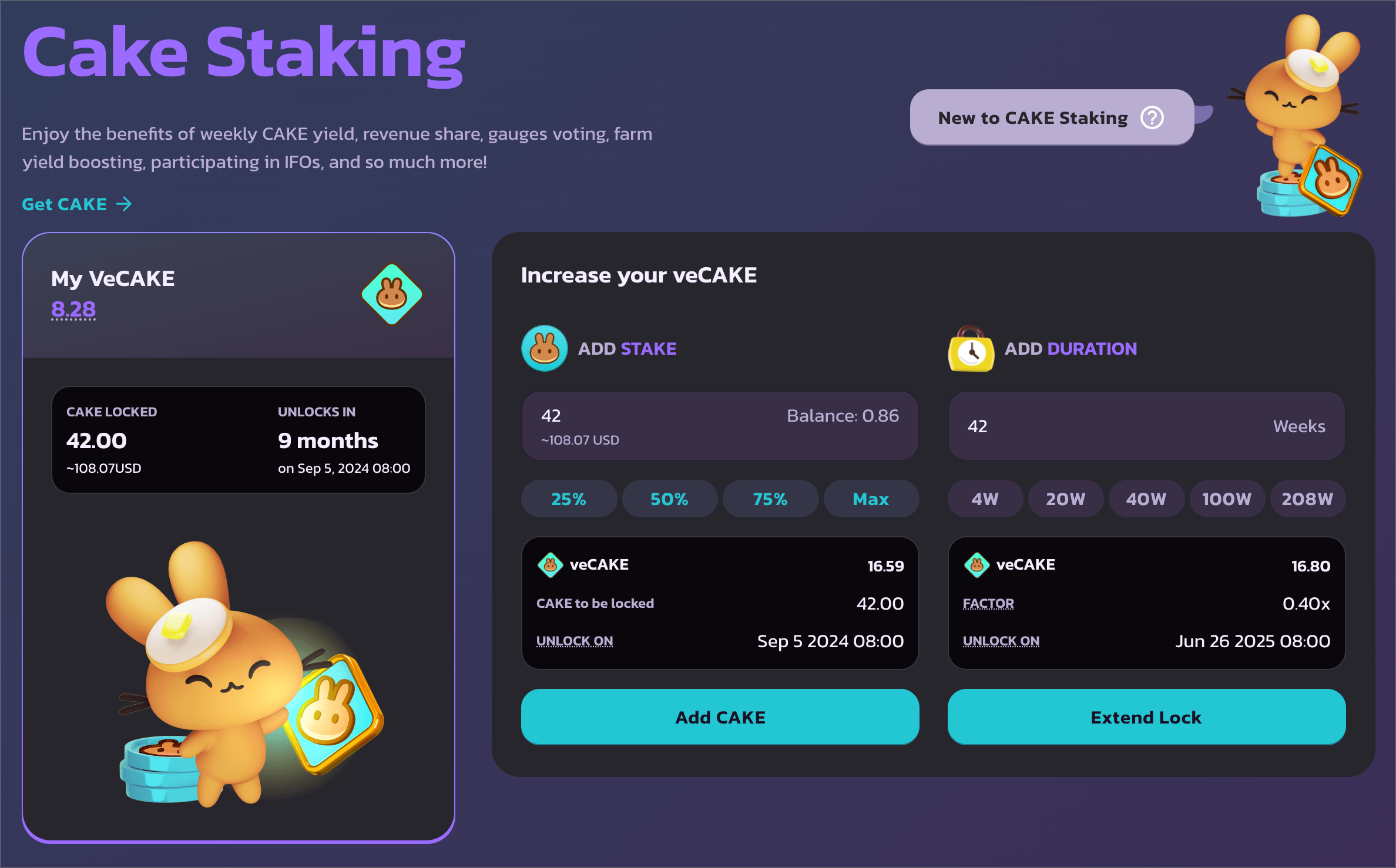
После подтверждения слева ты увидишь данные своей позиции стейкинга veCAKE: количество заблокированных CAKE и время разблокировки. И, самое главное, — твой показатель veCAKE.
Прокрути вниз, чтобы просмотреть все преимущества veCAKE.
---
# Agent Instructions
This documentation is published with GitBook. GitBook is the documentation platform designed so that both humans and AI agents can read, navigate, and reason over technical content effectively. Learn more at gitbook.com.
## Querying This Documentation
If you need additional information that is not directly available in this page, you can query the documentation dynamically by asking a question.
Perform an HTTP GET request on the current page URL with the `ask` query parameter, and the optional `goal` query parameter:
```
GET https://docs.pancakeswap.finance/russian/dobro-pozhalovat-v-pancakeswap/vecake-sunset/archive-vecake/how-to-get-vecake.md?ask=&goal=
```
`ask` is the immediate question: it should be specific, self-contained, and written in natural language.
`goal` is optional and describes the broader end goal you are ultimately trying to accomplish on behalf of the user. GitBook uses it to tailor the answer towards what is most useful for that goal.
The response will contain a direct answer to the question and relevant excerpts and sources from the documentation.
Use this mechanism when the answer is not explicitly present in the current page, you need clarification or additional context, or you want to retrieve related documentation sections.