> For the complete documentation index, see [llms.txt](https://docs.pancakeswap.finance/llms.txt). Markdown versions of documentation pages are available by appending `.md` to page URLs; this page is available as [Markdown](https://docs.pancakeswap.finance/russian/dobro-pozhalovat-v-pancakeswap/contact-us/faq/what-is-an-approval-transaction.md).
# Что такое транзакция подтверждения?
**При первом обмене или добавлении Ликвидности тебе нужно одобрить токен, который ты обмениваешь. Это даёт смарт-контракту PancakeSwap разрешение на обмен этого токена из твоего кошелька.**
Транзакция одобрения предоставляет PancakeSwap разрешение на обмен токена из твоего кошелька. Тебе нужно выполнить транзакцию одобрения для каждого токена, который ты хочешь обменять с помощью PancakeSwap.
Вот руководство по выполнению транзакции одобрения:
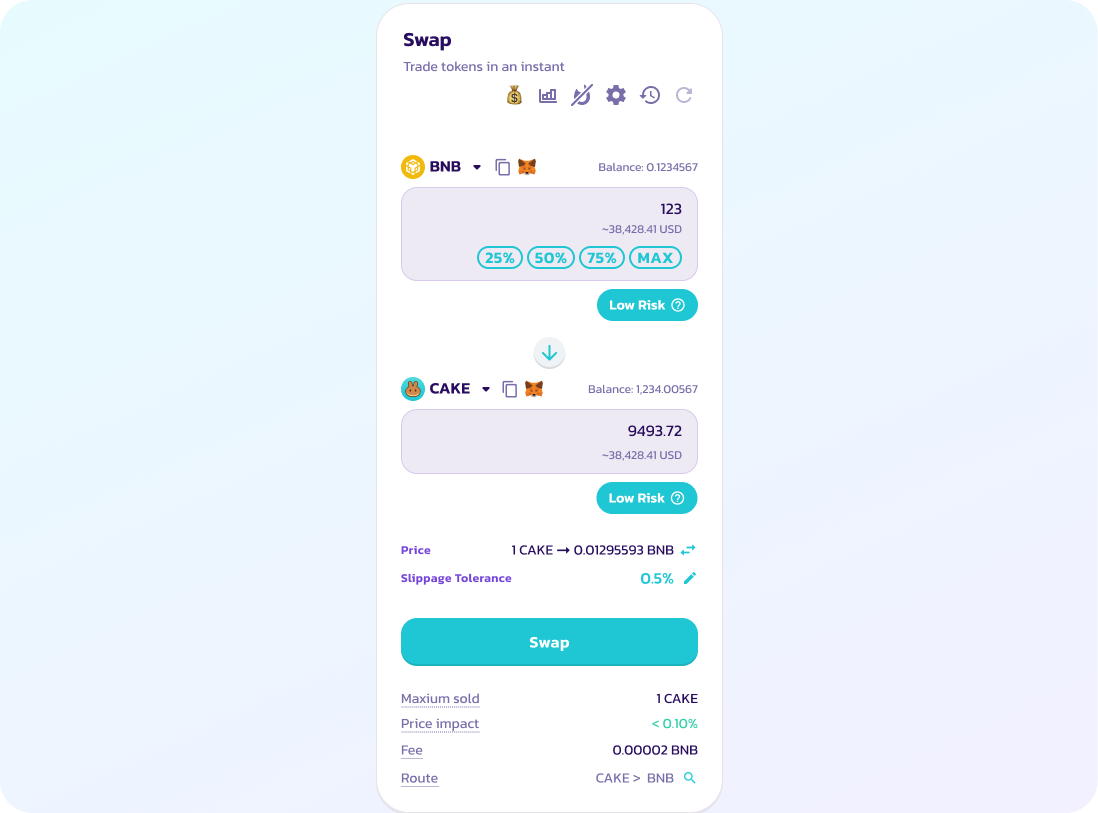
1. Введи детали обмена.
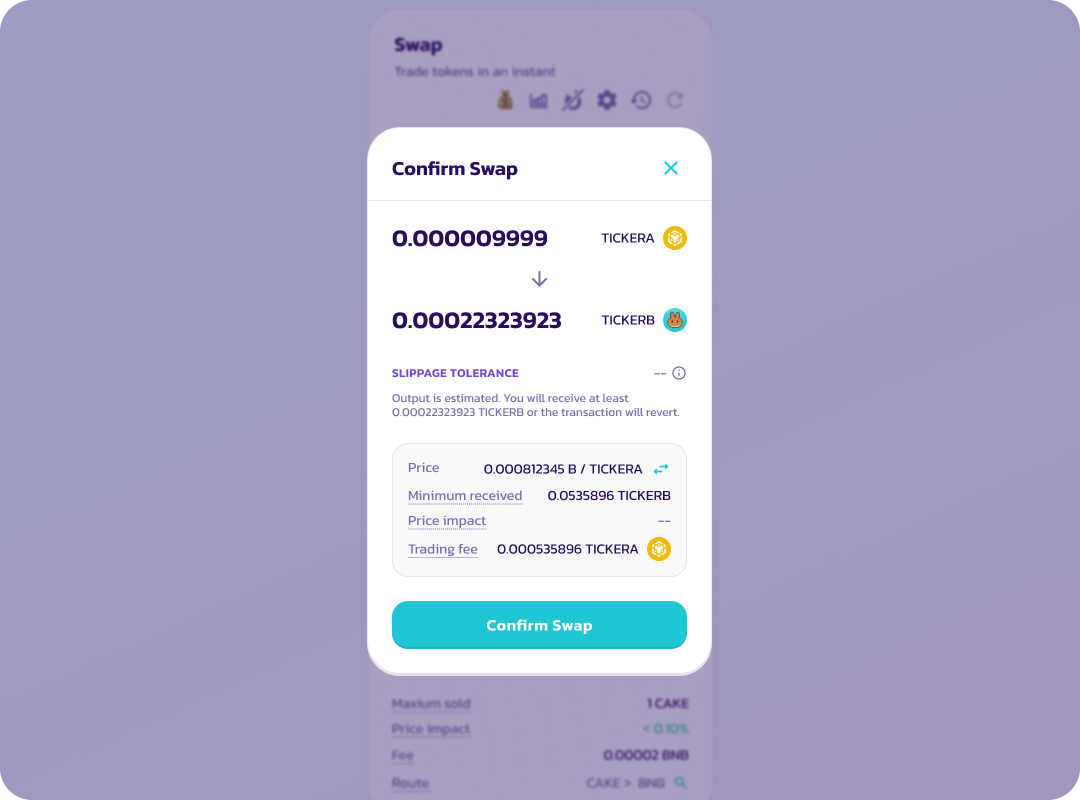
2. Выбери «Confirm swap» после проверки деталей обмена.
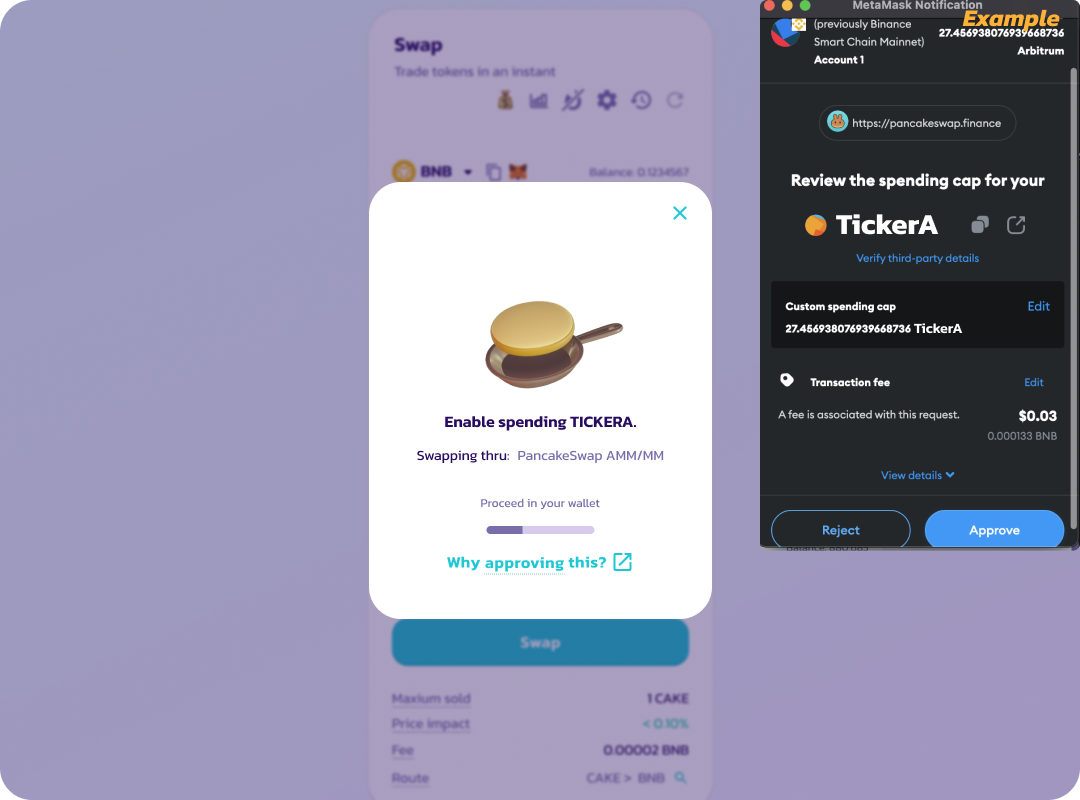
3. В приложении кошелька или расширении кошелька одобри расходование обмениваемого токена.
Разреши использование токена для обмена в своём кошельке.
*Твой кошелёк может попросить ввести количество токенов, которые ты хочешь одобрить. Пожалуйста, введи число, равное или превышающее количество обмениваемых токенов.*
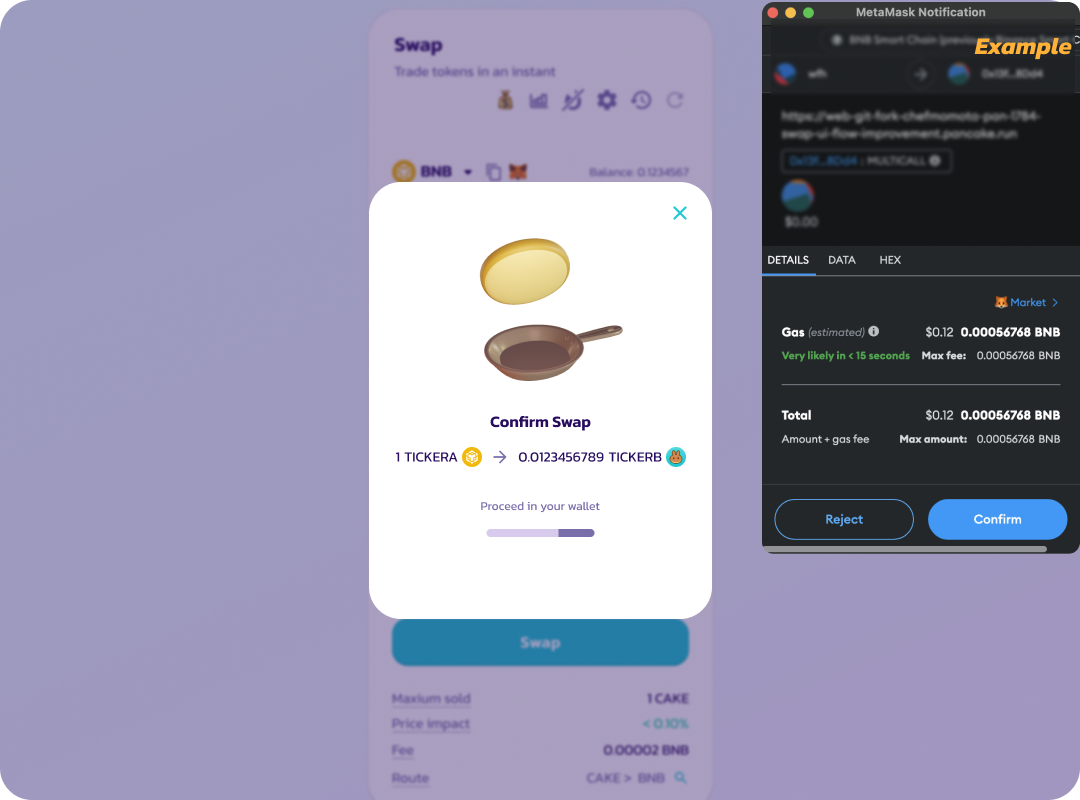
4. После одобрения появится ещё одна транзакция, запрашивающая подтверждение обмена.
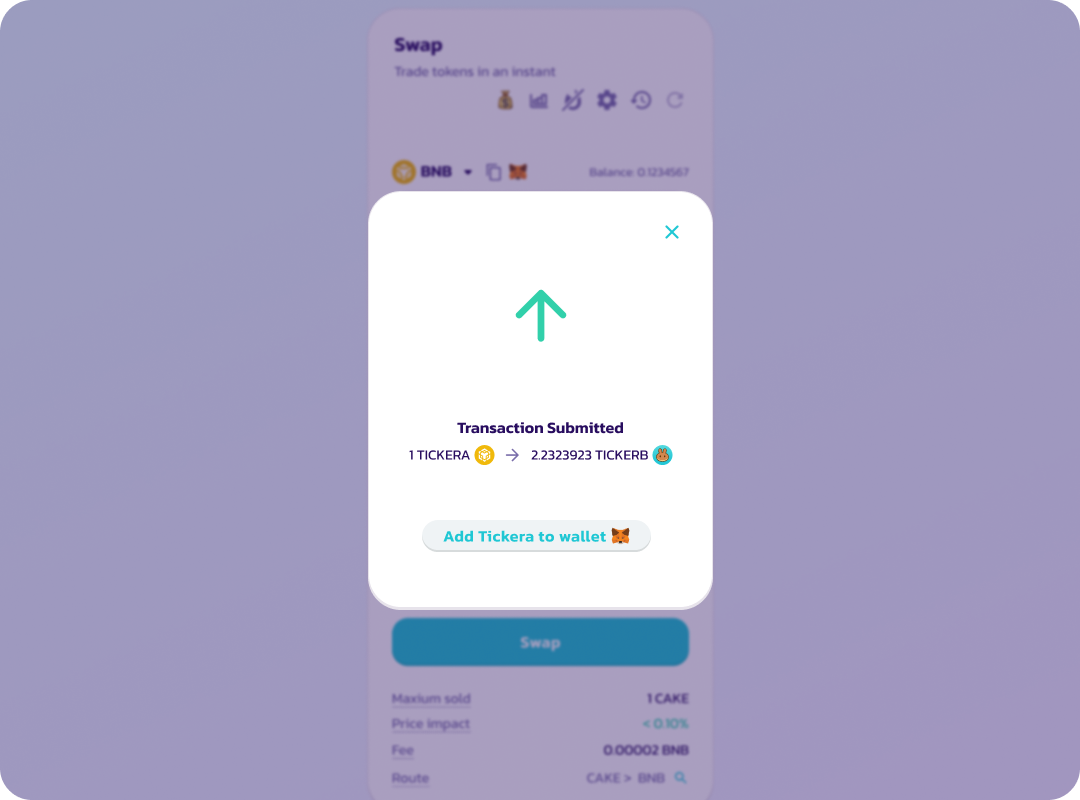
5. После подтверждения обмена транзакция отправляется в блокчейн (ожидание).
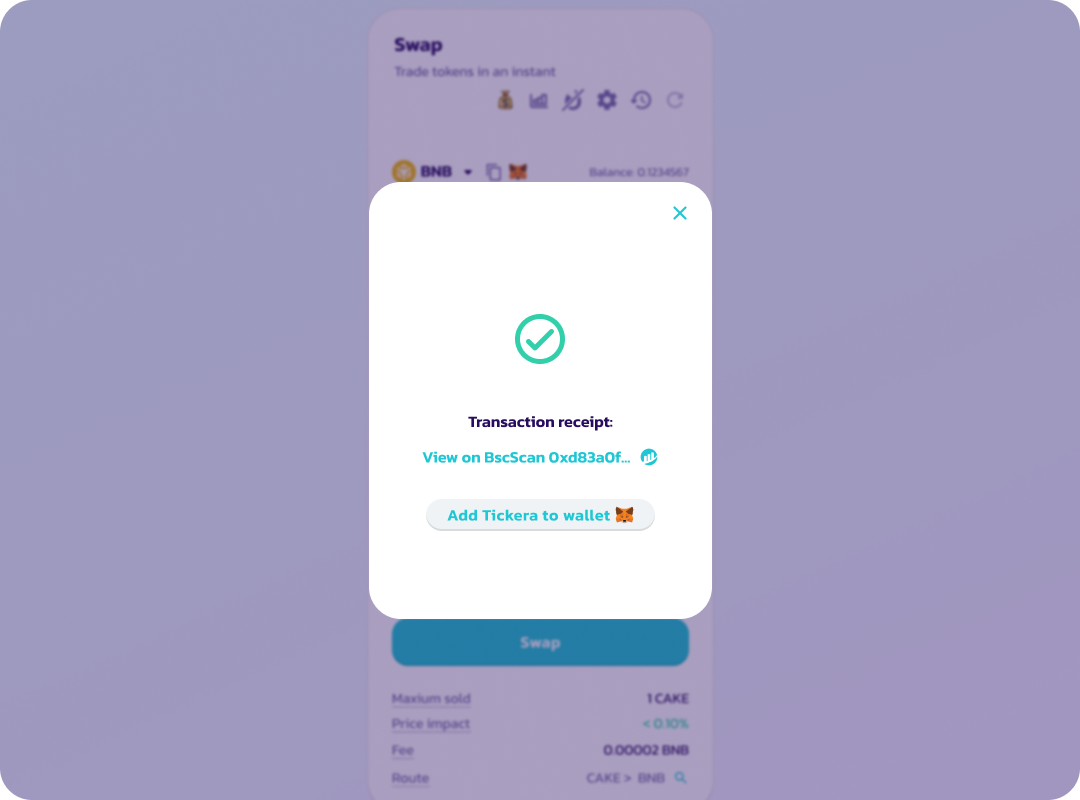
6. На экране появится надпись «Success» и зелёная галочка после успешного завершения транзакции.
Одобрение токена действует в течение определённого периода времени; позже токен придётся одобрить снова с помощью запроса подписи. Подпись одобрения не требует комиссии за сеть.
---
# Agent Instructions
This documentation is published with GitBook. GitBook is the documentation platform designed so that both humans and AI agents can read, navigate, and reason over technical content effectively. Learn more at gitbook.com.
## Querying This Documentation
If you need additional information that is not directly available in this page, you can query the documentation by asking a question.
Perform an HTTP GET request on the following URL with the `ask` and `goal` query parameters:
```
GET https://docs.pancakeswap.finance/russian/dobro-pozhalovat-v-pancakeswap/contact-us/faq/what-is-an-approval-transaction.md?ask=&goal=
```
`ask` is the immediate question: it should be specific, self-contained, and written in natural language.
`goal` is what the user is ultimately trying to achieve, the reason they need the answer. Sharing it helps GitBook give you a better, more relevant answer. A goal is most helpful when it describes the outcome the user wants rather than restating the question. For example, with `ask=how do I create an API token`, a goal like `automate deployments from our CI pipeline` lets GitBook tailor the answer to that use case.
The response will contain a direct answer to the question and relevant excerpts and sources from the documentation.
Use this mechanism when the answer is not explicitly present in the current page, you need clarification or additional context, or you want to retrieve related documentation sections.