> For the complete documentation index, see [llms.txt](https://docs.pancakeswap.finance/llms.txt). Markdown versions of documentation pages are available by appending `.md` to page URLs; this page is available as [Markdown](https://docs.pancakeswap.finance/japanese/tordingutsru/social-login/social-login-how-to-guide.md).
# Social Login: 使い方ガイド
数秒でDeFiを始めましょう — ウォレット拡張機能やシードフレーズは不要です。以下の手順に従って、Social Loginウォレットの作成、回復パスワードの設定、新しいデバイスでのウォレット回復を行ってください。
### 1. Social Loginウォレットを作成する
1. pancakeswap.financeにアクセスします
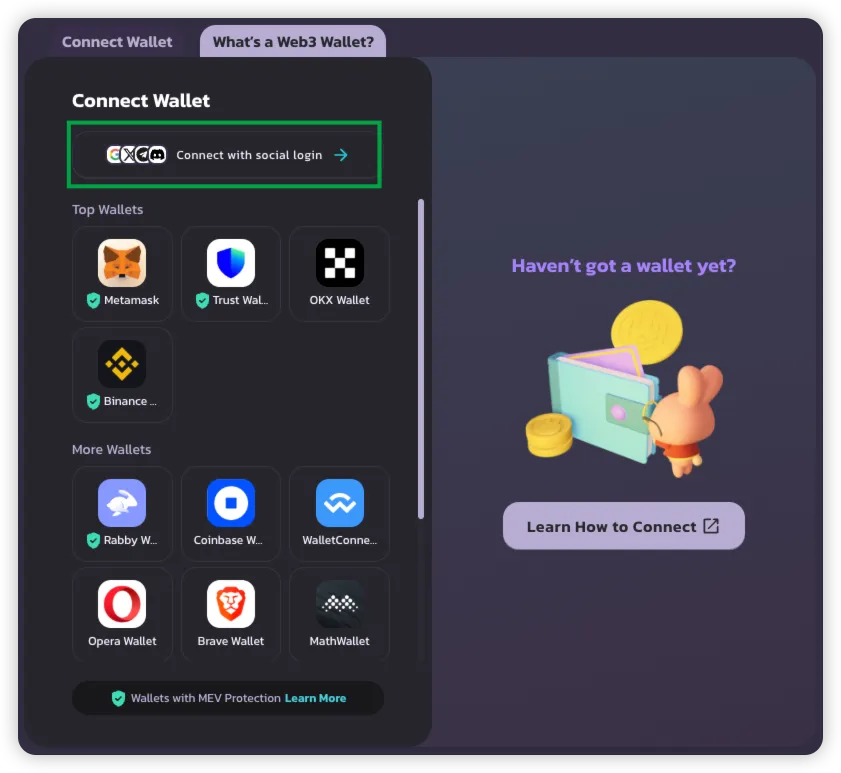
2. **ウォレットを接続**をクリック → **Social Loginで接続**を選択します
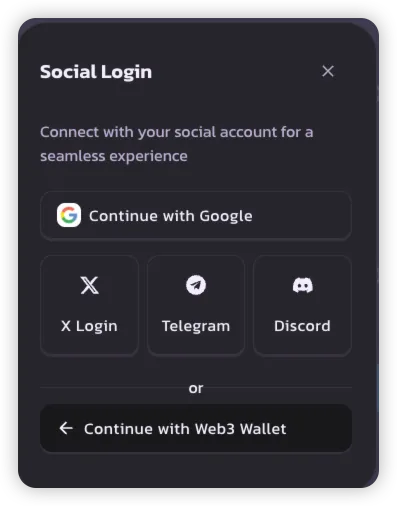
3. 希望するSocial Loginの方法を選択します:
* **Google**
* **X (Twitter)**
* **Telegram**
* **Discord**
> 💡 各ソーシャルアカウントはPancakeSwap上で1つのウォレットを作成します。
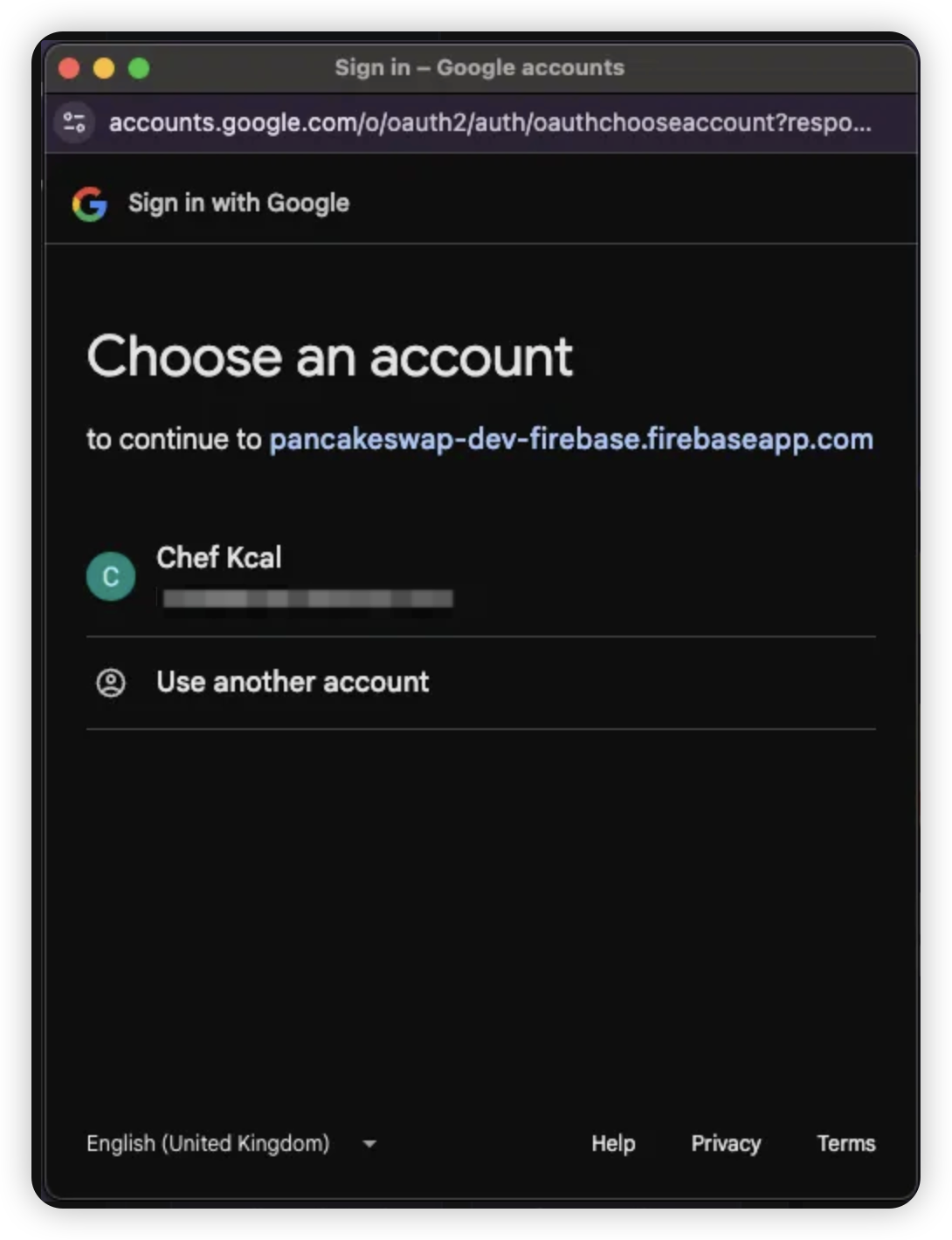
4. 選択したソーシャルアカウントの認証情報でログインします
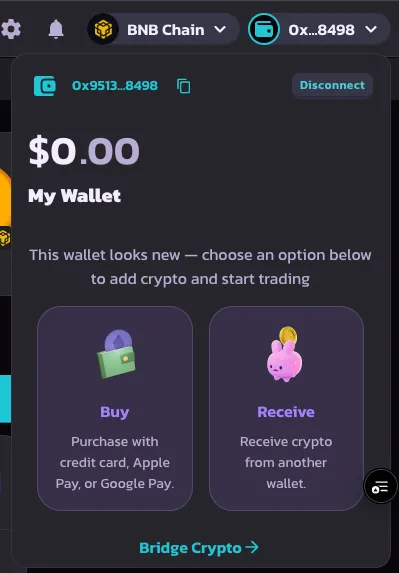
5. ログインが成功すると、ウォレットが作成されて使用準備が整います
***
### 2. 回復パスワードを設定する
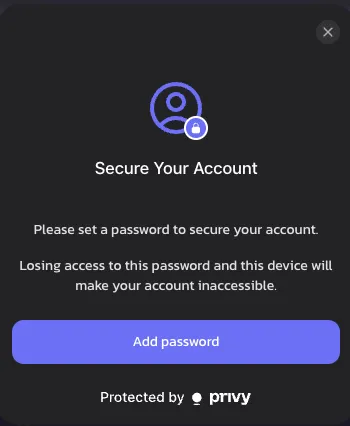
初回ログイン後、**回復パスワード**の設定を求められます。この手順はオプションですが、ウォレットの完全なコントロールのために強くお勧めします。
1. プロンプトが表示されたら**回復パスワードを設定**をクリックします
> 🔒 設定しない場合、回復共有はデフォルトでPrivyに保存されます
>
> 🔑 [回復共有の詳細を確認する](https://docs.privy.io/security/wallet-infrastructure/advanced/user-device#securing-the-recovery-share)
{% hint style="success" %}
このプロンプトを閉じた場合、PancakeSwapのウォレットセキュリティへのコミットメントの一環として、1週間後に再び表示されます。
{% endhint %}
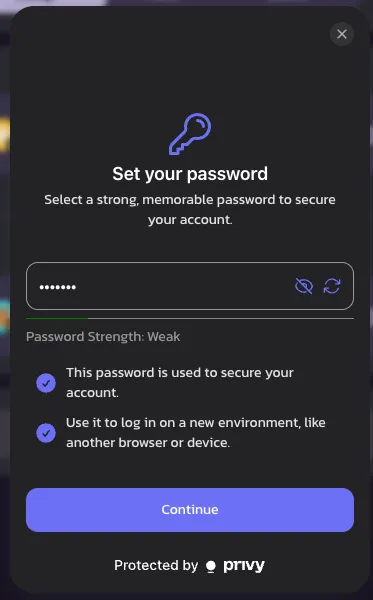
2. **覚えやすいパスワード**を選択してください — 新しいデバイスでのログイン時またはセッション期限切れ時に必要になります
> ⚠️ 忘れた場合、ウォレットへのアクセスが永久に失われる可能性があります
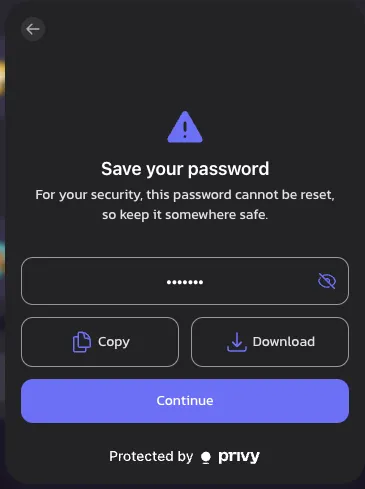
3. **コピーまたはダウンロード**してパスワードを安全に保存します
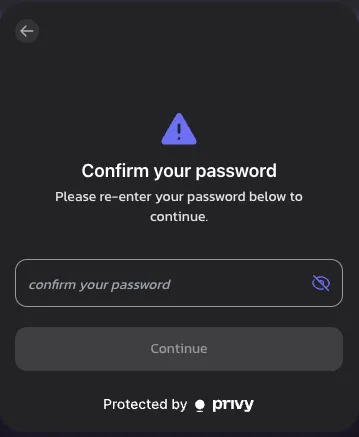
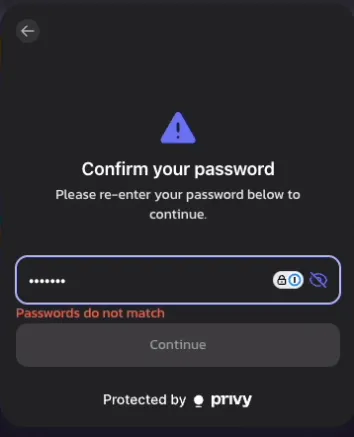
4. パスワードを再入力して確認します
> ❗ パスワードが一致しない場合はエラーが表示されます
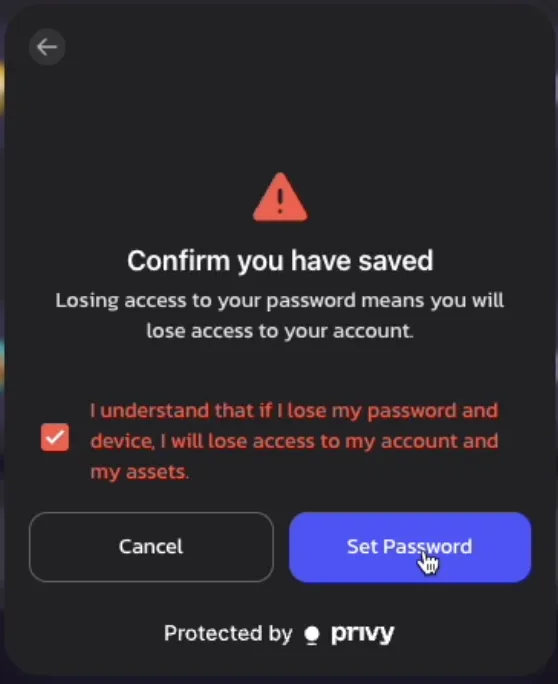
5. **免責事項**を確認し、回復パスワードのリスクを理解したことを確認します
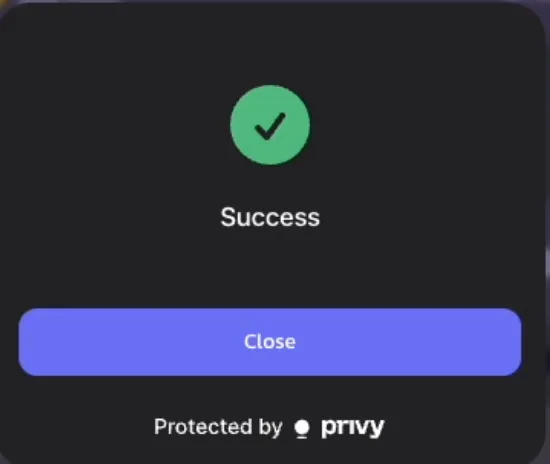
6. 🎉 完了です!回復パスワードが設定されました
> リマインダー:セッションが終了するか、デバイスを切り替えた際に再入力を求められます
>
***
### 3. ウォレットを回復する(新しいデバイスへのログイン)
新しいデバイスでPancakeSwapにアクセスする場合、以下の手順でウォレットを回復してください:
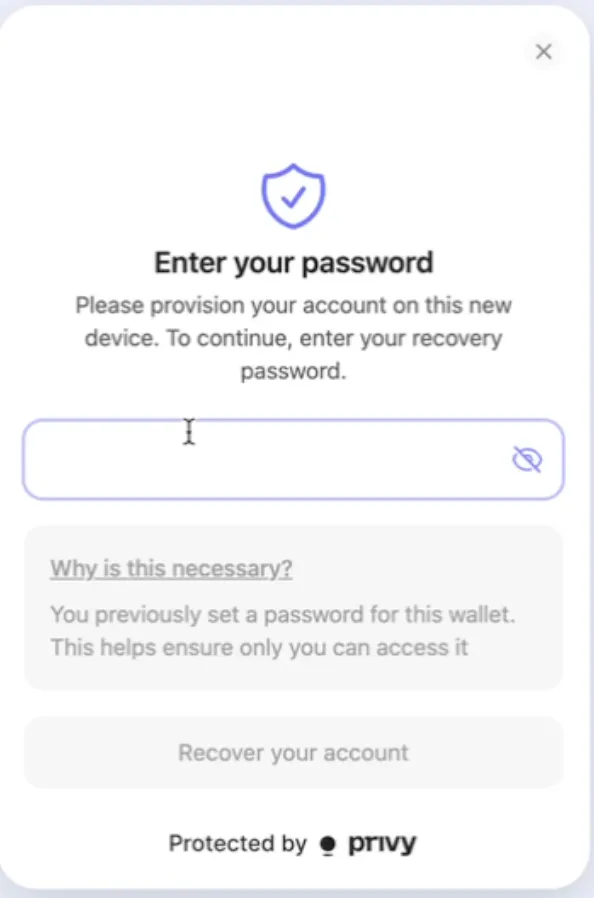
1. 新しいデバイスで**ソーシャルアカウント**でログインします
2. 初めてのトランザクションまたはオンチェーンアクションを試みると、**回復パスワードの入力**を求められます
3. 確認後、通常どおり取引を続けられます — それ以上のセットアップは不要です!
---
# Agent Instructions
This documentation is published with GitBook. GitBook is the documentation platform designed so that both humans and AI agents can read, navigate, and reason over technical content effectively. Learn more at gitbook.com.
## Querying This Documentation
If you need additional information that is not directly available in this page, you can query the documentation dynamically by asking a question.
Perform an HTTP GET request on the current page URL with the `ask` query parameter, and the optional `goal` query parameter:
```
GET https://docs.pancakeswap.finance/japanese/tordingutsru/social-login/social-login-how-to-guide.md?ask=&goal=
```
`ask` is the immediate question: it should be specific, self-contained, and written in natural language.
`goal` is optional and describes the broader end goal you are ultimately trying to accomplish on behalf of the user. GitBook uses it to tailor the answer towards what is most useful for that goal.
The response will contain a direct answer to the question and relevant excerpts and sources from the documentation.
Use this mechanism when the answer is not explicitly present in the current page, you need clarification or additional context, or you want to retrieve related documentation sections.