> For the complete documentation index, see [llms.txt](https://docs.pancakeswap.finance/llms.txt). Markdown versions of documentation pages are available by appending `.md` to page URLs; this page is available as [Markdown](https://docs.pancakeswap.finance/japanese/qu-yin/perpetual-trading/perpetuals-trading-new/simple-mode.md).
# シンプルモード
シンプルモードは素早く行動したいトレーダー向けに設計されています。サイズを設定し、レバレッジを選んで、UPまたはDOWNをタップするだけです。
### **PCS Perpsページへのアクセス**
[pancakeswap.finance/perps](https://pancakeswap.finance/perps)にアクセスするか、PancakeSwapのメインナビゲーションバーでPerpsをクリックします。
### **ウォレットを接続する**
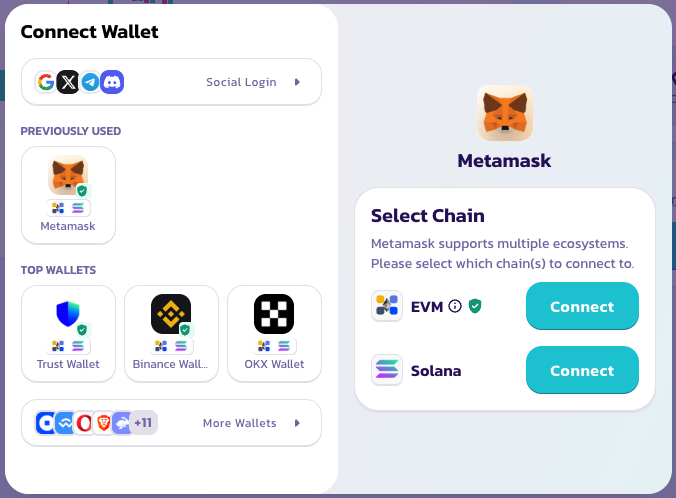
右上隅の「Connect Wallet(ウォレットを接続)」をクリックします。アカウント作成やKYCは不要です。ウォレットがあなたのアカウントです。
### **取引ペアを選択する**
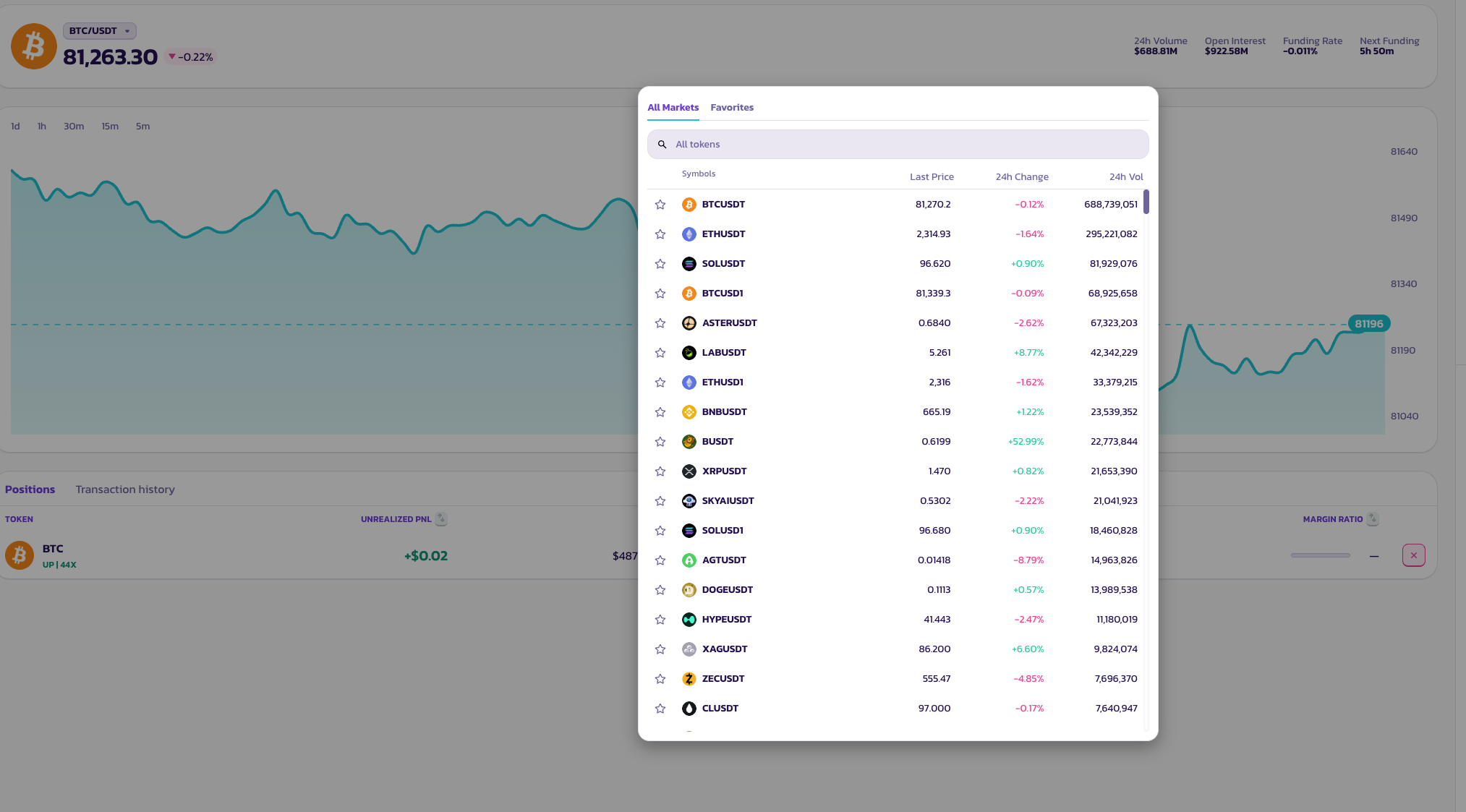
ページ上部のペア名をクリックしてアセットセレクターを開きます。非常に多様なトークンペアが利用可能です。
### **My Bet — ポジションサイズ**
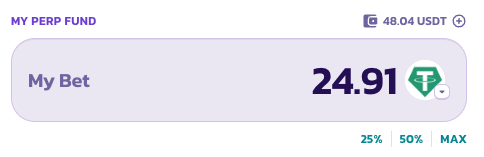
投入額を入力するか、プリセットボタン(**25%**、**50%**、**MAX**)をタップして、利用可能なパーペチュアル資金残高の割合としてポジションサイズを設定します。
### **レバレッジ**
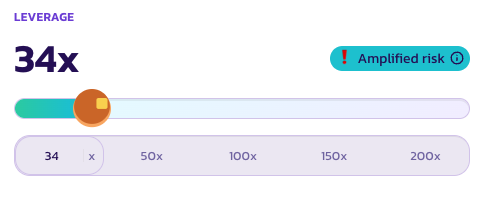
スライダーを使用するか、プリセット(**50×**、**100×**、**150×**、**200×**)をタップしてレバレッジを設定します。現在の倍率はスライダー上部に大きく表示されます。
レバレッジが清算リスクをもたらすほど高い場合、**リスク増幅**インジケーターが注意喚起として表示されます。
### **ワンタップで開く**
**UP**をタップしてロング、または**DOWN**をタップしてショートします。ポジションは利用可能な最良の成行価格で即座に開かれます。
### **複数回タップする**
シンプルモードは繰り返しタップでポジションを積み増しまたは縮小できるように設計されています。毎回手動でサイズを調整する必要はありません。
* **UPを2回タップ** — ポジションが2倍になります。各タップで既存のロングポジションに1単位追加されます。
* **UPをタップしてからDOWNをタップ** — ポジションが相殺され、フラットに戻ります。
各タップは特定方向への1単位の追加または削除と考えてください。トレードにスケールイン・アウトする楽しい方法です。
### **注文状況を確認する**
注文は約定待ちの間、\*\*Positions(ポジション)\*\*に表示されます。
***
💡 指値注文、TP/SL、またはより詳細なポジション管理を行いたい場合は、いつでも**プロモード**に切り替えてください。オープンポジションには影響しません。
---
# Agent Instructions
This documentation is published with GitBook. GitBook is the documentation platform designed so that both humans and AI agents can read, navigate, and reason over technical content effectively. Learn more at gitbook.com.
## Querying This Documentation
If you need additional information that is not directly available in this page, you can query the documentation by asking a question.
Perform an HTTP GET request on the following URL with the `ask` and `goal` query parameters:
```
GET https://docs.pancakeswap.finance/japanese/qu-yin/perpetual-trading/perpetuals-trading-new/simple-mode.md?ask=&goal=
```
`ask` is the immediate question: it should be specific, self-contained, and written in natural language.
`goal` is what the user is ultimately trying to achieve, the reason they need the answer. Sharing it helps GitBook give you a better, more relevant answer. A goal is most helpful when it describes the outcome the user wants rather than restating the question. For example, with `ask=how do I create an API token`, a goal like `automate deployments from our CI pipeline` lets GitBook tailor the answer to that use case.
The response will contain a direct answer to the question and relevant excerpts and sources from the documentation.
Use this mechanism when the answer is not explicitly present in the current page, you need clarification or additional context, or you want to retrieve related documentation sections.