> For the complete documentation index, see [llms.txt](https://docs.pancakeswap.finance/llms.txt). Markdown versions of documentation pages are available by appending `.md` to page URLs; this page is available as [Markdown](https://docs.pancakeswap.finance/japanese/pancakeswapheyoukoso/vecake-sunset/archive-vecake/how-to-get-vecake.md).
# veCAKEの入手方法
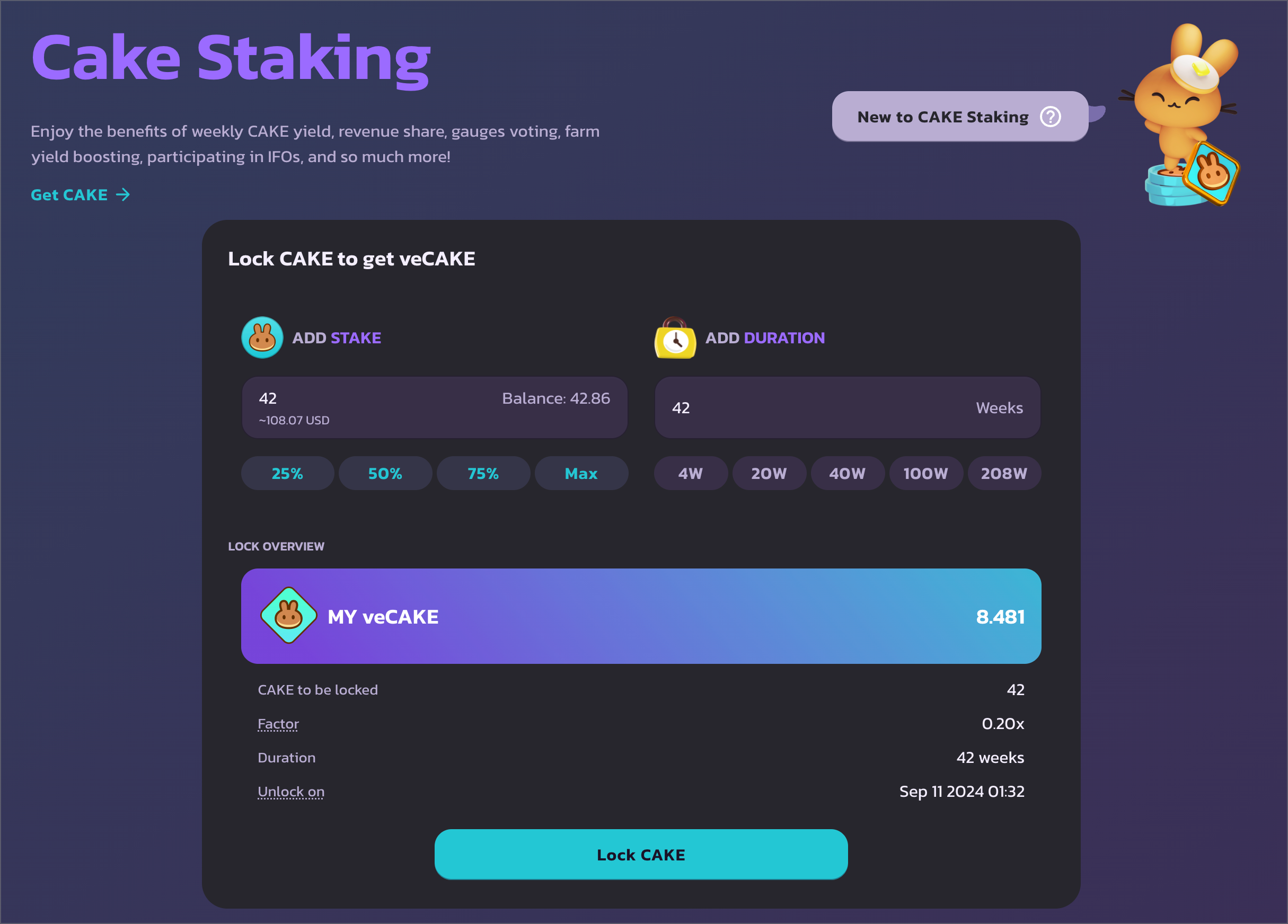
固定期間 CAKE ステーキングプールと同様に、veCAKE の特典を享受するには、一定期間 CAKE をロックするだけです。
## CAKE ステーキングページにアクセスする にアクセスし、ウォレットを接続してください。veCAKE のステーキングは BNB Chain のみでご利用いただけます。
## ロック量と期間を選択する
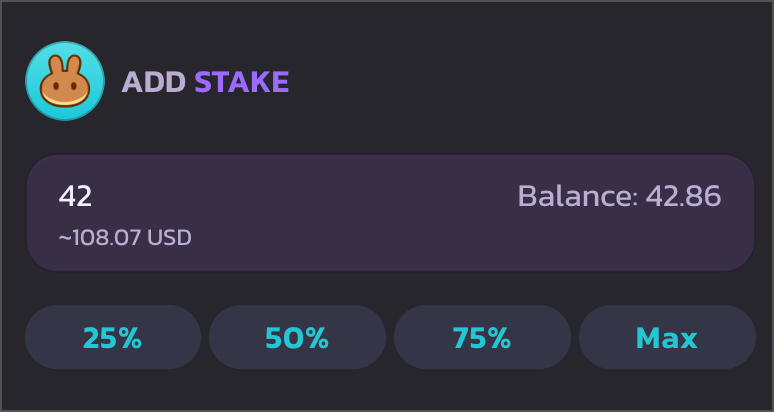
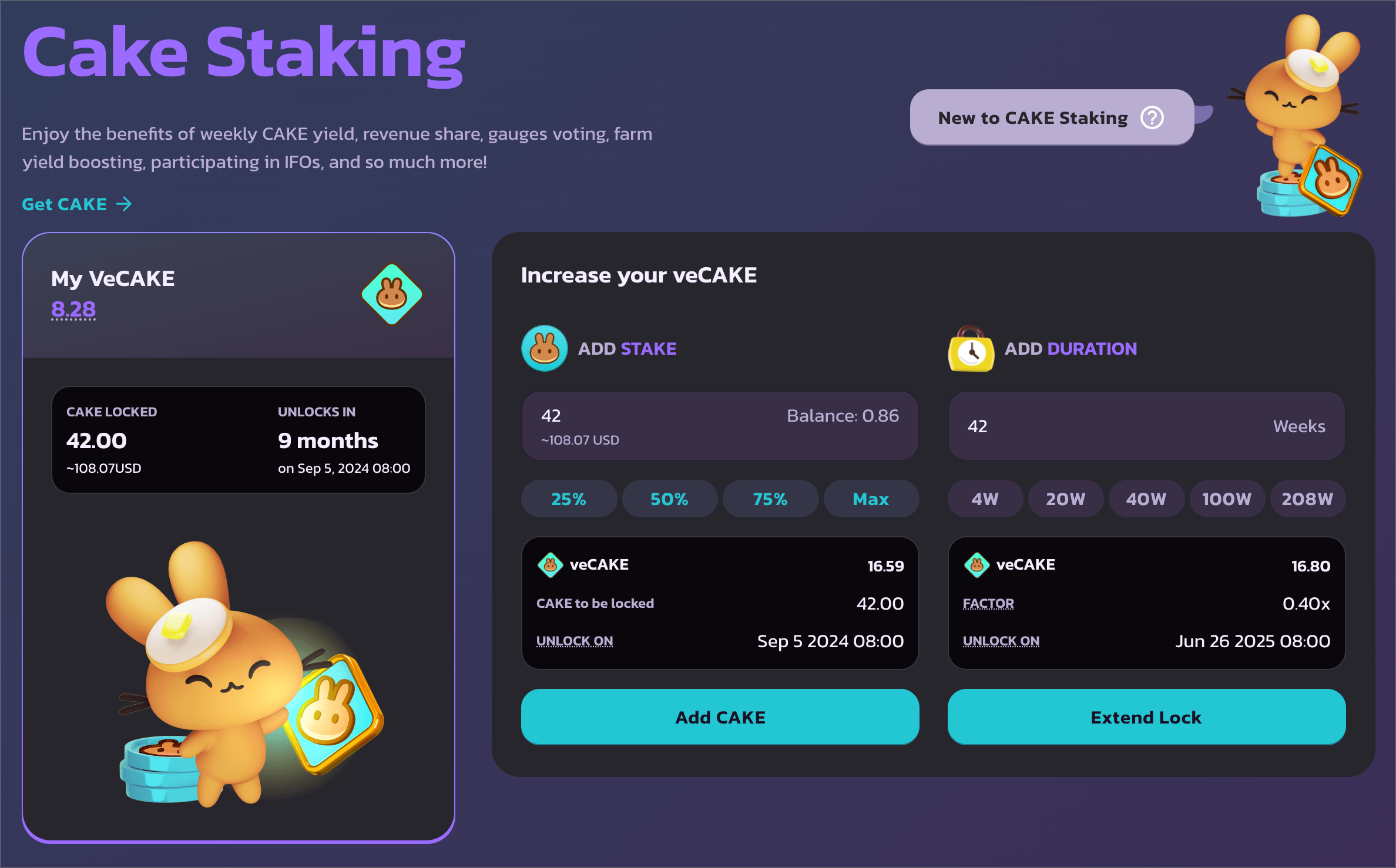
左側では、ロックしたい CAKE の量を入力できます。
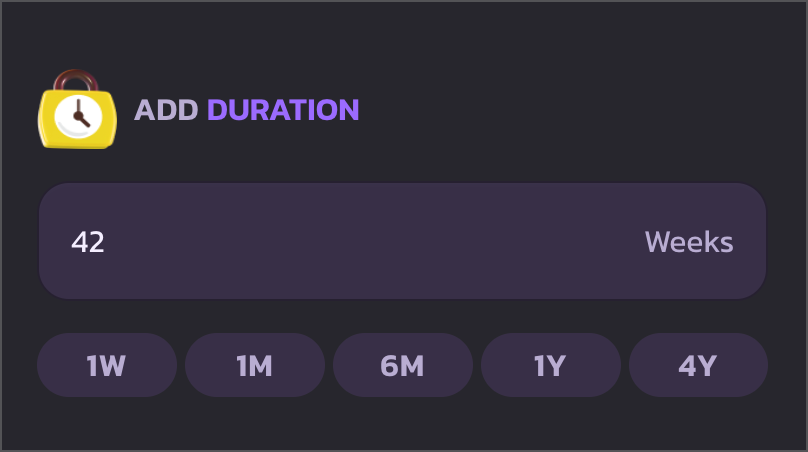
右側では、CAKE をロックする期間を選択できます。最短ロック期間は1週間、最長ロック期間は4年間に延長されました。
ロック期間を素早く選択するには、クイックアクションボタンを使用して1週間、1ヶ月、6ヶ月、1年、4年から選んでください。
## CAKE の使用を承認してロックを開始する
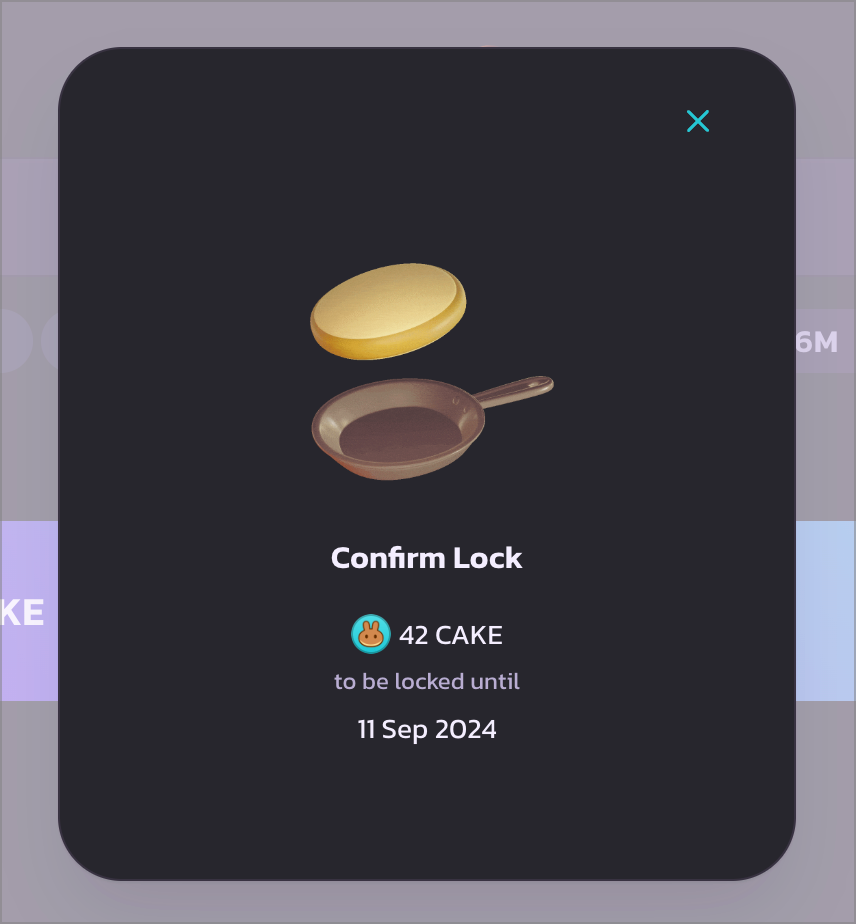
確認したら、「Lock CAKE」をクリックして進めます。ローディングモーダルが表示され、ウォレットから CAKE の使用承認の確認が求められます。ウォレットでトランザクションを承認して続行してください。
CAKE の使用承認トランザクションが実行されると、別のウォレットのポップアップが表示されます。そのトランザクションを承認して CAKE をロックし、veCAKE を取得してください。
## 完了
承認が完了すると、左側にロックされた CAKE の量とアンロック時刻を含む veCAKE ステーキングポジションの詳細、そして最も重要な veCAKE の数量が表示されます。
下にスクロールして、veCAKE のすべての特典をご確認ください。
---
# Agent Instructions
This documentation is published with GitBook. GitBook is the documentation platform designed so that both humans and AI agents can read, navigate, and reason over technical content effectively. Learn more at gitbook.com.
## Querying This Documentation
If you need additional information that is not directly available in this page, you can query the documentation by asking a question.
Perform an HTTP GET request on the following URL with the `ask` and `goal` query parameters:
```
GET https://docs.pancakeswap.finance/japanese/pancakeswapheyoukoso/vecake-sunset/archive-vecake/how-to-get-vecake.md?ask=&goal=
```
`ask` is the immediate question: it should be specific, self-contained, and written in natural language.
`goal` is what the user is ultimately trying to achieve, the reason they need the answer. Sharing it helps GitBook give you a better, more relevant answer. A goal is most helpful when it describes the outcome the user wants rather than restating the question. For example, with `ask=how do I create an API token`, a goal like `automate deployments from our CI pipeline` lets GitBook tailor the answer to that use case.
The response will contain a direct answer to the question and relevant excerpts and sources from the documentation.
Use this mechanism when the answer is not explicitly present in the current page, you need clarification or additional context, or you want to retrieve related documentation sections.