> For the complete documentation index, see [llms.txt](https://docs.pancakeswap.finance/llms.txt). Markdown versions of documentation pages are available by appending `.md` to page URLs; this page is available as [Markdown](https://docs.pancakeswap.finance/japanese/archive/legacy-products/archived-pancakeswap-quest/rewards.md).
# 報酬
{% hint style="danger" %}
\[アーカイブ済み] PancakeSwap Quest – 2025年2月28日をもって
{% endhint %}
ベータモードでは、クエストは**報酬ありのクエストと報酬なしのクエスト**の2種類に分かれています。報酬なしのクエストでは、ユーザーはDeFiや特定のプロダクトやキャンペーンについて学ぶためにタスクを完了しますが、現時点ではトークン報酬やポイントはありません。
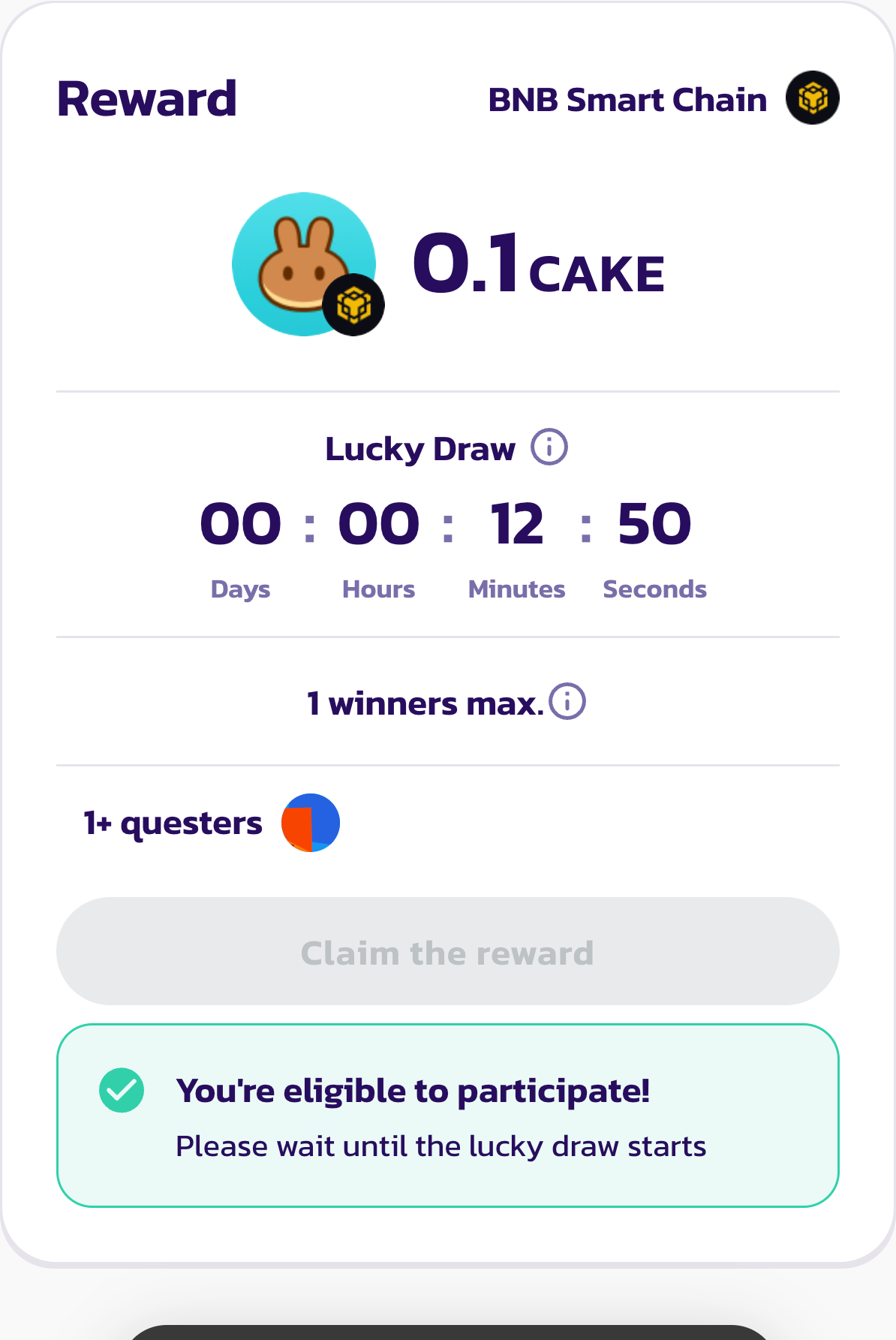
報酬ありのクエストでは、ユーザーはそれを完了することでトークン報酬を得ることができます。報酬は以下に示すように、クエストを完了したすべてのユーザーへの抽選で配布されます。
例えば、総報酬が1000 USDTで当選者が10名の場合、10名のユーザーが抽選で報酬を受け取ります。
報酬の受け取り方:
1. クエスト終了時に報酬を受け取るには、クエストページで当選しているかどうかを確認してください。当選者には賞金額の下に「Claim reward」ボタンが表示されます。
2. 「Claim Reward」をクリックしてトランザクションに署名します。
3. ウォレットでトークン報酬を確認してください。
---
# Agent Instructions
This documentation is published with GitBook. GitBook is the documentation platform designed so that both humans and AI agents can read, navigate, and reason over technical content effectively. Learn more at gitbook.com.
## Querying This Documentation
If you need additional information that is not directly available in this page, you can query the documentation by asking a question.
Perform an HTTP GET request on the following URL with the `ask` and `goal` query parameters:
```
GET https://docs.pancakeswap.finance/japanese/archive/legacy-products/archived-pancakeswap-quest/rewards.md?ask=&goal=
```
`ask` is the immediate question: it should be specific, self-contained, and written in natural language.
`goal` is what the user is ultimately trying to achieve, the reason they need the answer. Sharing it helps GitBook give you a better, more relevant answer. A goal is most helpful when it describes the outcome the user wants rather than restating the question. For example, with `ask=how do I create an API token`, a goal like `automate deployments from our CI pipeline` lets GitBook tailor the answer to that use case.
The response will contain a direct answer to the question and relevant excerpts and sources from the documentation.
Use this mechanism when the answer is not explicitly present in the current page, you need clarification or additional context, or you want to retrieve related documentation sections.