> For the complete documentation index, see [llms.txt](https://docs.pancakeswap.finance/llms.txt). Markdown versions of documentation pages are available by appending `.md` to page URLs; this page is available as [Markdown](https://docs.pancakeswap.finance/italian/strumenti-di-trading/social-login/social-login-how-to-guide.md).
# Social Login: Guida Pratica
Inizia a usare il DeFi in pochi secondi — nessuna estensione del portafoglio o frase seed necessaria. Segui i passaggi qui sotto per creare il tuo portafoglio con Social Login, impostare una password di recupero e recuperare il portafoglio su un nuovo dispositivo.
### 1. Creare il tuo portafoglio con Social Login
1. Vai su pancakeswap.finance
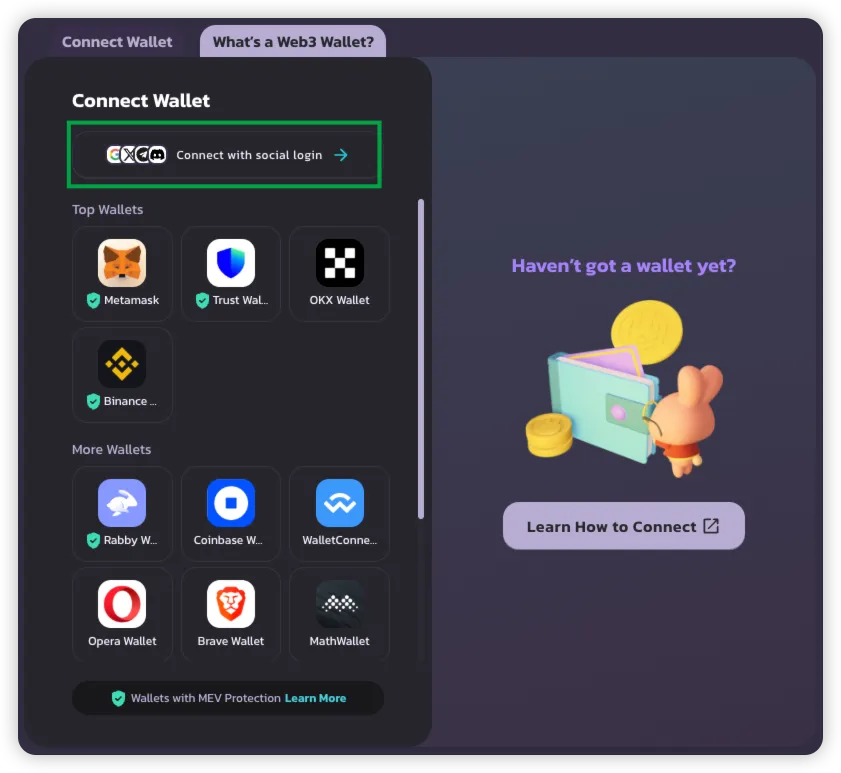
2. Clicca **Connect Wallet** → Seleziona **Connect with Social Login**
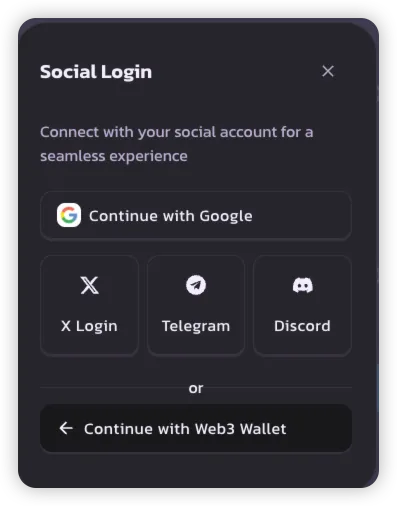
3. Scegli il tuo metodo di Social Login preferito:
* **Google**
* **X (Twitter)**
* **Telegram**
* **Discord**
> 💡 Ogni account social crea un unico portafoglio da utilizzare su PancakeSwap.
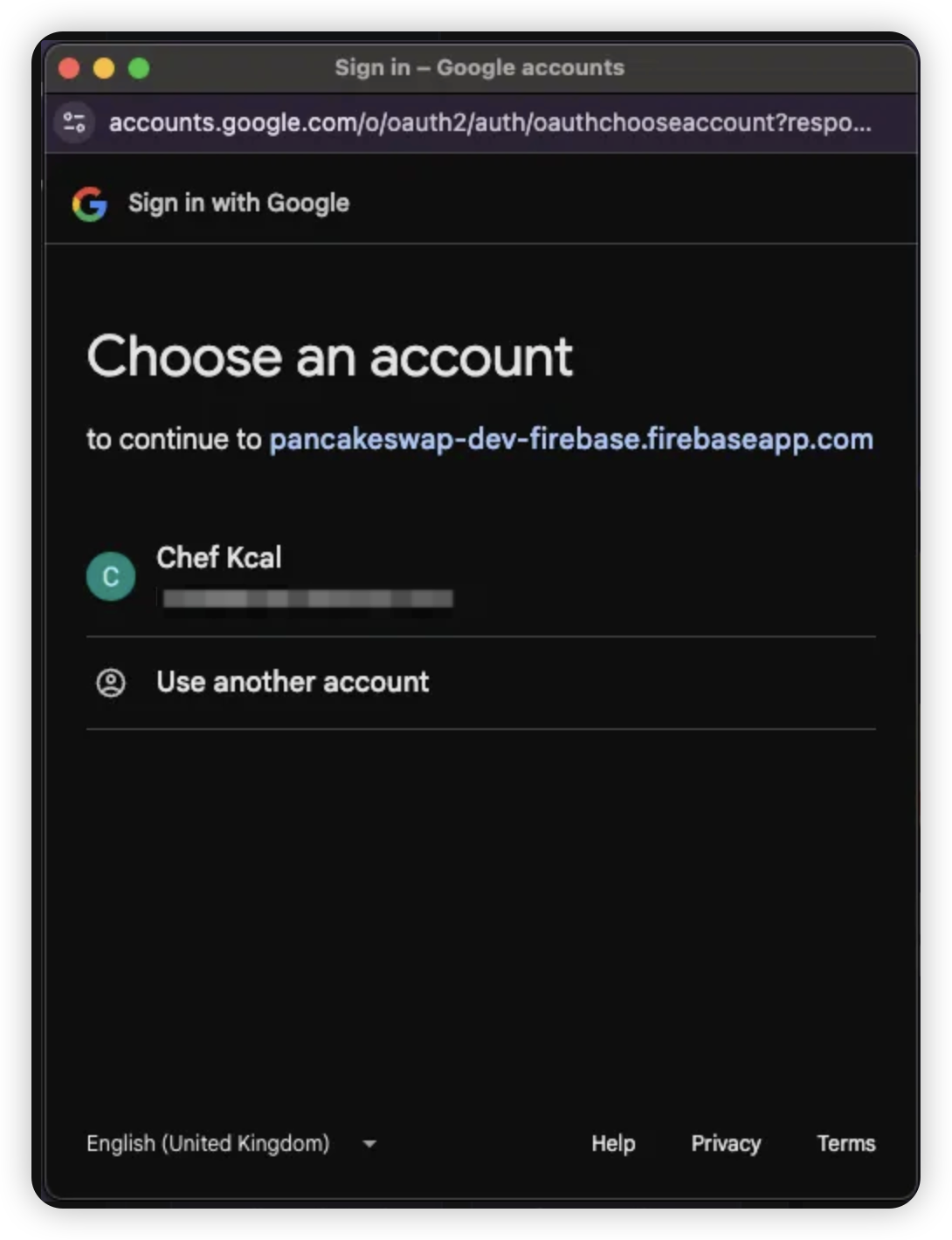
4. Accedi con le credenziali dell'account social selezionato
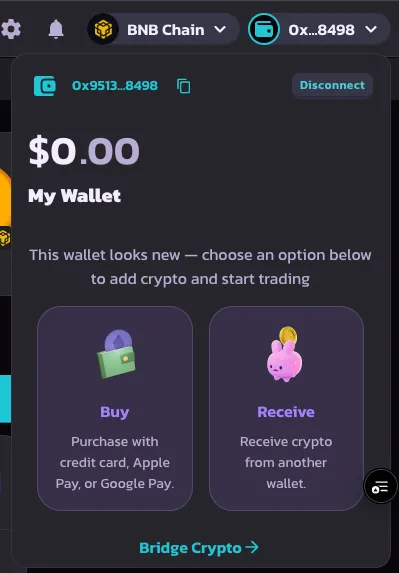
5. Una volta completato l'accesso, il tuo portafoglio sarà creato e pronto all'uso
***
### 2. Impostare una password di recupero
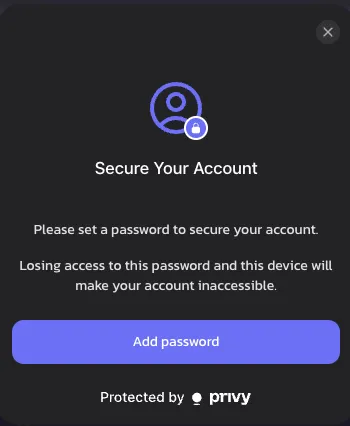
Dopo il primo accesso, ti verrà chiesto di impostare una **password di recupero**. Questo passaggio è opzionale ma fortemente consigliato per avere il pieno controllo del portafoglio.
1. Clicca **Set Recovery Password** quando richiesto
> 🔒 Se non la imposti, la condivisione di recupero verrà memorizzata da Privy per impostazione predefinita
>
> 🔑 [Scopri di più sulle condivisioni di recupero](https://docs.privy.io/security/wallet-infrastructure/advanced/user-device#securing-the-recovery-share)
{% hint style="success" %}
Se ignori questa notifica, riapparirà dopo 1 settimana, come parte dell'impegno di PancakeSwap per la sicurezza del portafoglio.
{% endhint %}
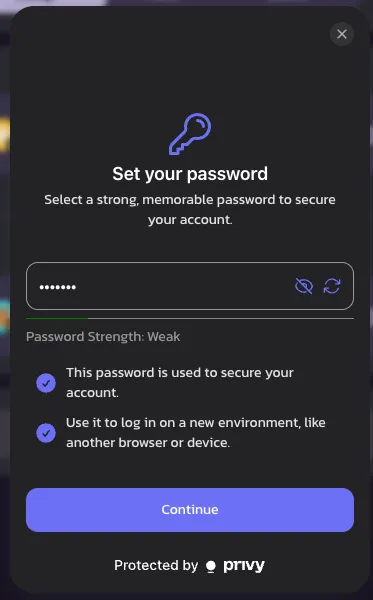
2. Scegli una **password memorabile** — ti servirà per accedere su un nuovo dispositivo o quando la tua sessione scade
> ⚠️ Se la dimentichi, l'accesso al portafoglio potrebbe essere perso definitivamente
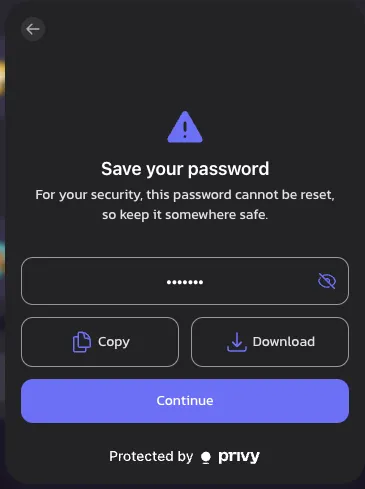
3. Salva la tua password in modo sicuro **copiandola o scaricandola**
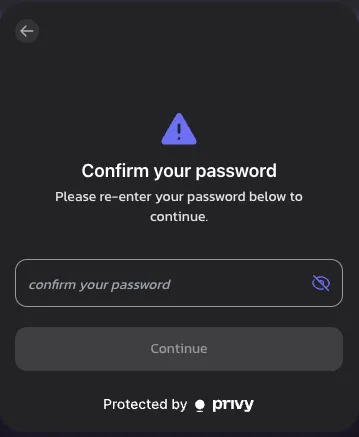
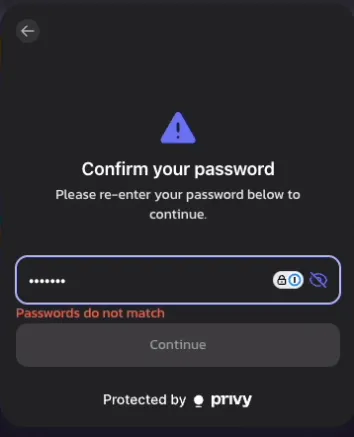
4. Reinserisci la password per confermare
> ❗ Apparirà un errore se le password non corrispondono
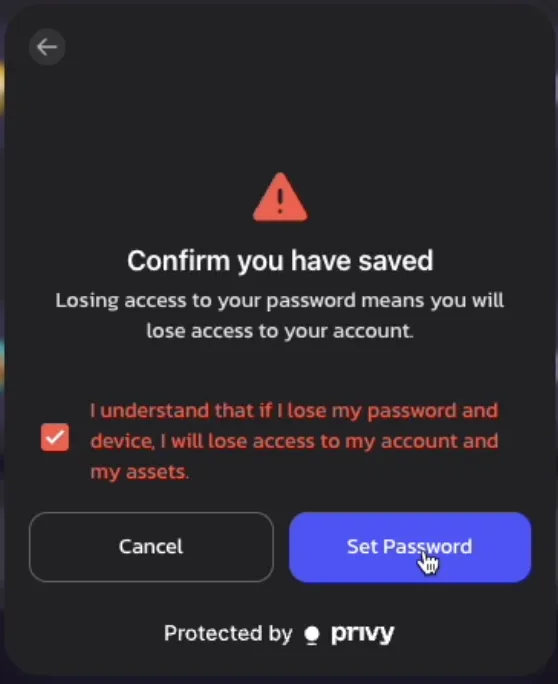
5. Leggi la **dichiarazione di responsabilità** e conferma di aver compreso i rischi legati alla password di recupero
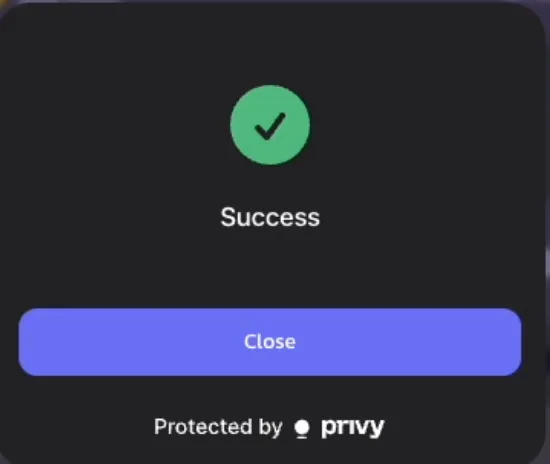
6. 🎉 Fatto! La tua password di recupero è ora impostata
> Promemoria: ti verrà chiesto di inserirla nuovamente quando la sessione termina o cambi dispositivo
>
***
### 3. Recuperare il tuo portafoglio (accesso su nuovo dispositivo)
Se accedi a PancakeSwap da un nuovo dispositivo, segui questi passaggi per recuperare il portafoglio:
1. Accedi con il tuo **account social** sul nuovo dispositivo
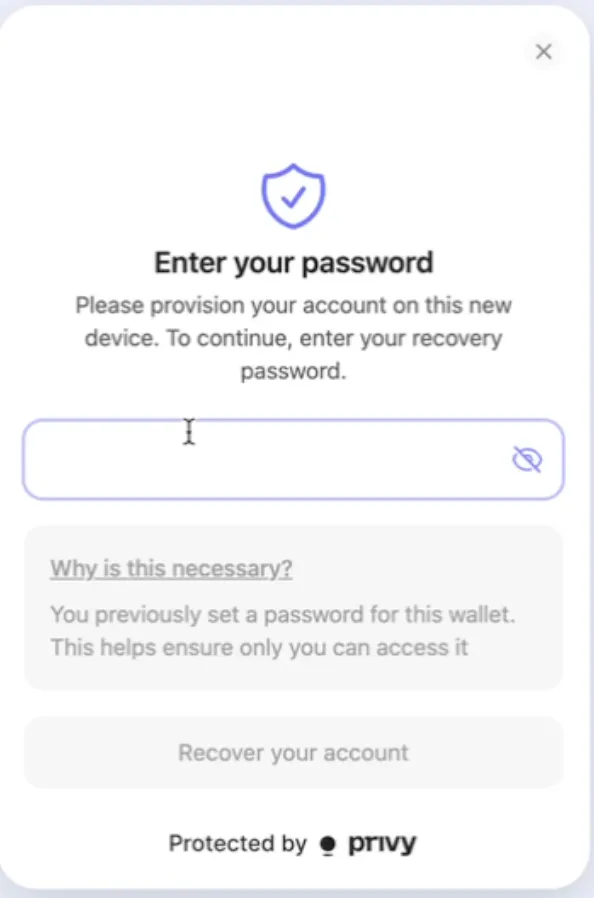
2. Quando tenti la prima transazione o azione on-chain, ti verrà chiesto di **inserire la tua password di recupero**
3. Una volta confermata, puoi continuare a effettuare transazioni come di consueto — nessuna configurazione aggiuntiva richiesta!
---
# Agent Instructions
This documentation is published with GitBook. GitBook is the documentation platform designed so that both humans and AI agents can read, navigate, and reason over technical content effectively. Learn more at gitbook.com.
## Querying This Documentation
If you need additional information that is not directly available in this page, you can query the documentation by asking a question.
Perform an HTTP GET request on the following URL with the `ask` and `goal` query parameters:
```
GET https://docs.pancakeswap.finance/italian/strumenti-di-trading/social-login/social-login-how-to-guide.md?ask=&goal=
```
`ask` is the immediate question: it should be specific, self-contained, and written in natural language.
`goal` is what the user is ultimately trying to achieve, the reason they need the answer. Sharing it helps GitBook give you a better, more relevant answer. A goal is most helpful when it describes the outcome the user wants rather than restating the question. For example, with `ask=how do I create an API token`, a goal like `automate deployments from our CI pipeline` lets GitBook tailor the answer to that use case.
The response will contain a direct answer to the question and relevant excerpts and sources from the documentation.
Use this mechanism when the answer is not explicitly present in the current page, you need clarification or additional context, or you want to retrieve related documentation sections.