> For the complete documentation index, see [llms.txt](https://docs.pancakeswap.finance/llms.txt). Markdown versions of documentation pages are available by appending `.md` to page URLs; this page is available as [Markdown](https://docs.pancakeswap.finance/italian/gioca/prediction/prediction-leaderboard.md).
# Previsione - Classifica
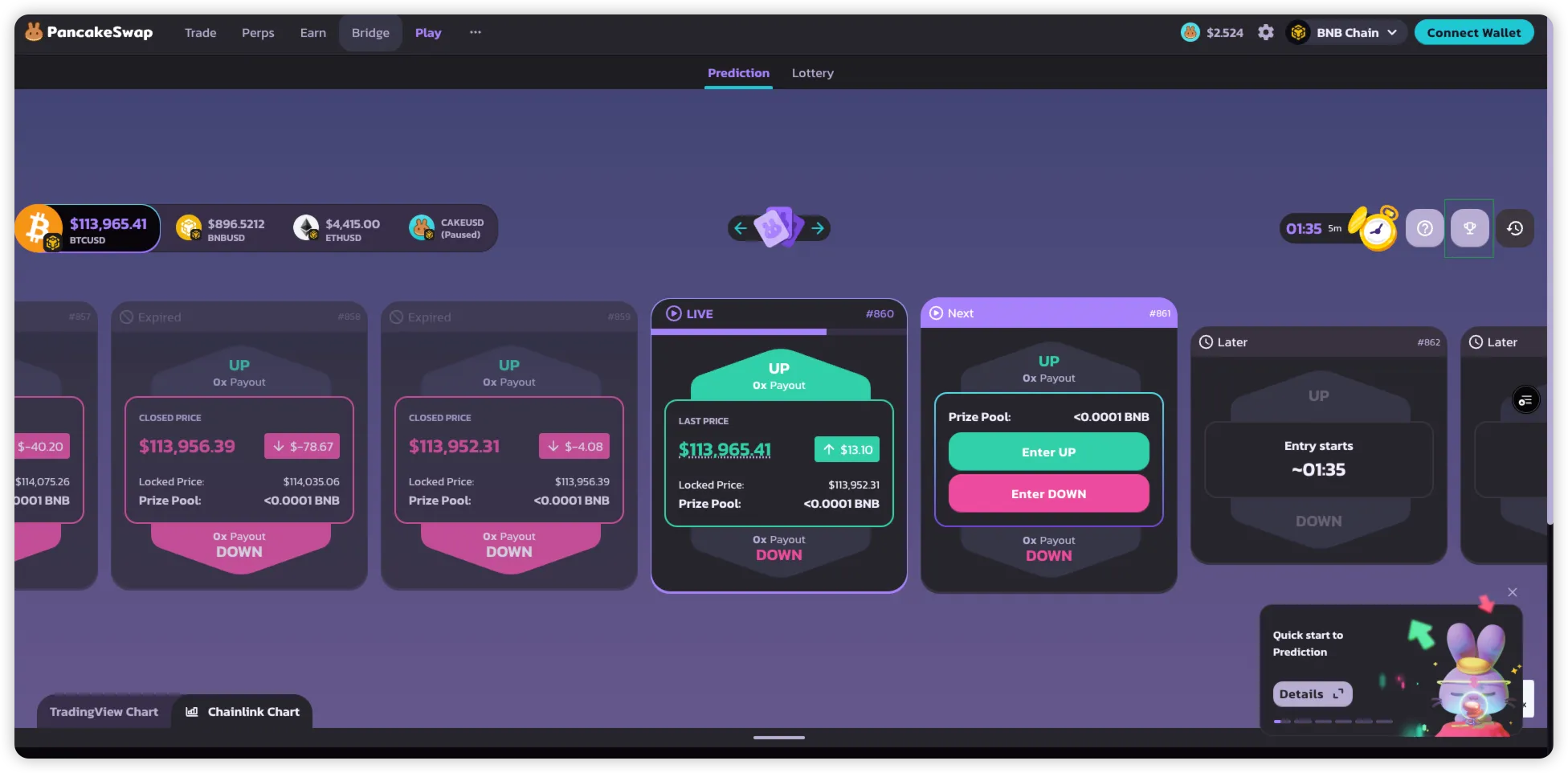
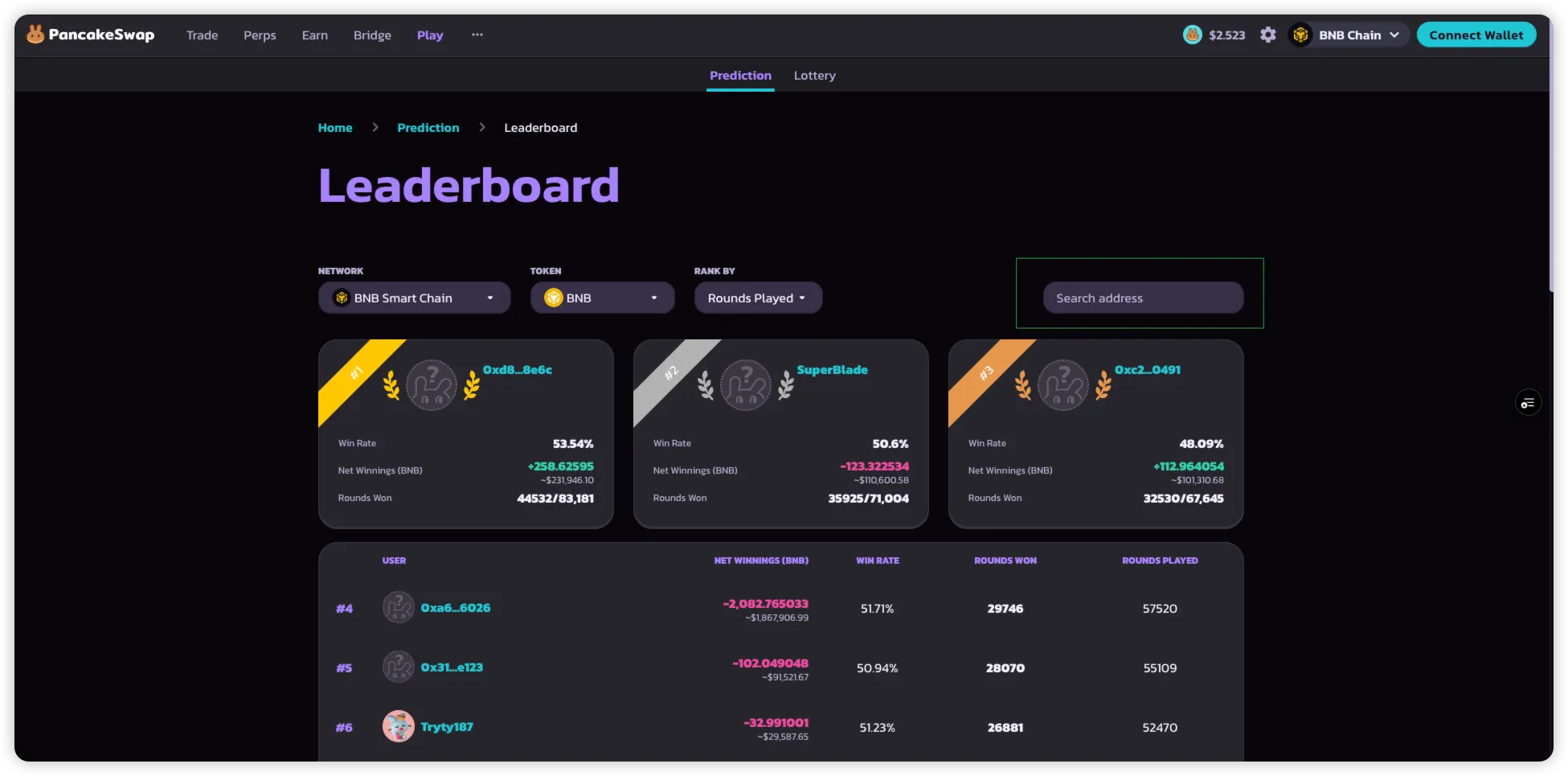
La **Classifica di Prediction** mette in evidenza i migliori partecipanti di PancakeSwap Prediction.\
Permette ai giocatori di vedere come si posizionano rispetto agli altri in base a diverse metriche.
> **Nota**: Un portafoglio deve partecipare ad almeno **10 round** per apparire nella classifica per impostazione predefinita.\
> Gli indirizzi specifici di portafoglio possono comunque essere cercati manualmente.
### Come usare la classifica
1. **Accedi alla Classifica** direttamente dalla pagina Prediction.
2. **Filtra per Token**
* Scegli il mercato (BNB, BTC, ETH) di cui vuoi visualizzare i migliori giocatori.
3. **Ordina per criteri di classifica**
* **Round giocati**: numero totale di round a cui un utente ha partecipato.
* **Vincite nette**: token totali vinti da previsioni corrette, dopo la detrazione del 3% di commissione.
* **BNB totale**: importo aggregato di BNB utilizzato per le previsioni.
* **Win Rate**: rapporto tra i round vinti e il totale dei round a cui si è partecipato.
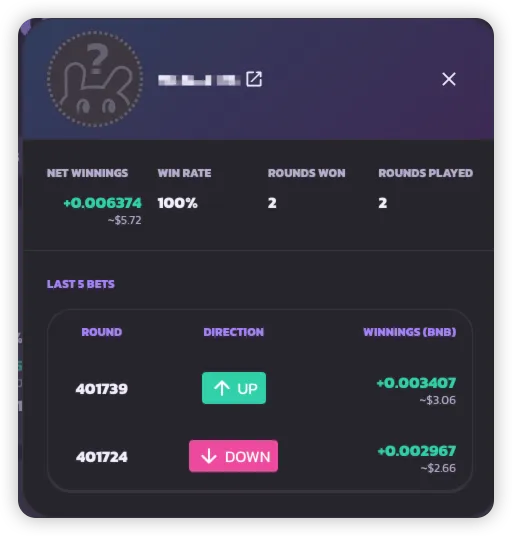
4. **Cerca per indirizzo portafoglio**
* Inserisci un indirizzo portafoglio per visualizzare la sua scheda di punteggio, anche se non soddisfa la soglia dei 10 round.
***
---
# Agent Instructions
This documentation is published with GitBook. GitBook is the documentation platform designed so that both humans and AI agents can read, navigate, and reason over technical content effectively. Learn more at gitbook.com.
## Querying This Documentation
If you need additional information that is not directly available in this page, you can query the documentation by asking a question.
Perform an HTTP GET request on the following URL with the `ask` and `goal` query parameters:
```
GET https://docs.pancakeswap.finance/italian/gioca/prediction/prediction-leaderboard.md?ask=&goal=
```
`ask` is the immediate question: it should be specific, self-contained, and written in natural language.
`goal` is what the user is ultimately trying to achieve, the reason they need the answer. Sharing it helps GitBook give you a better, more relevant answer. A goal is most helpful when it describes the outcome the user wants rather than restating the question. For example, with `ask=how do I create an API token`, a goal like `automate deployments from our CI pipeline` lets GitBook tailor the answer to that use case.
The response will contain a direct answer to the question and relevant excerpts and sources from the documentation.
Use this mechanism when the answer is not explicitly present in the current page, you need clarification or additional context, or you want to retrieve related documentation sections.