> For the complete documentation index, see [llms.txt](https://docs.pancakeswap.finance/llms.txt). Markdown versions of documentation pages are available by appending `.md` to page URLs; this page is available as [Markdown](https://docs.pancakeswap.finance/italian/benvenuto-su-pancakeswap/vecake-sunset/archive-vecake/how-to-get-vecake.md).
# Come ottenere veCAKE?
Proprio come il pool di Staking CAKE a termine fisso, per godere dei vantaggi di veCAKE, devi semplicemente bloccare CAKE per un periodo di tempo.
## Vai alla pagina di Staking CAKE
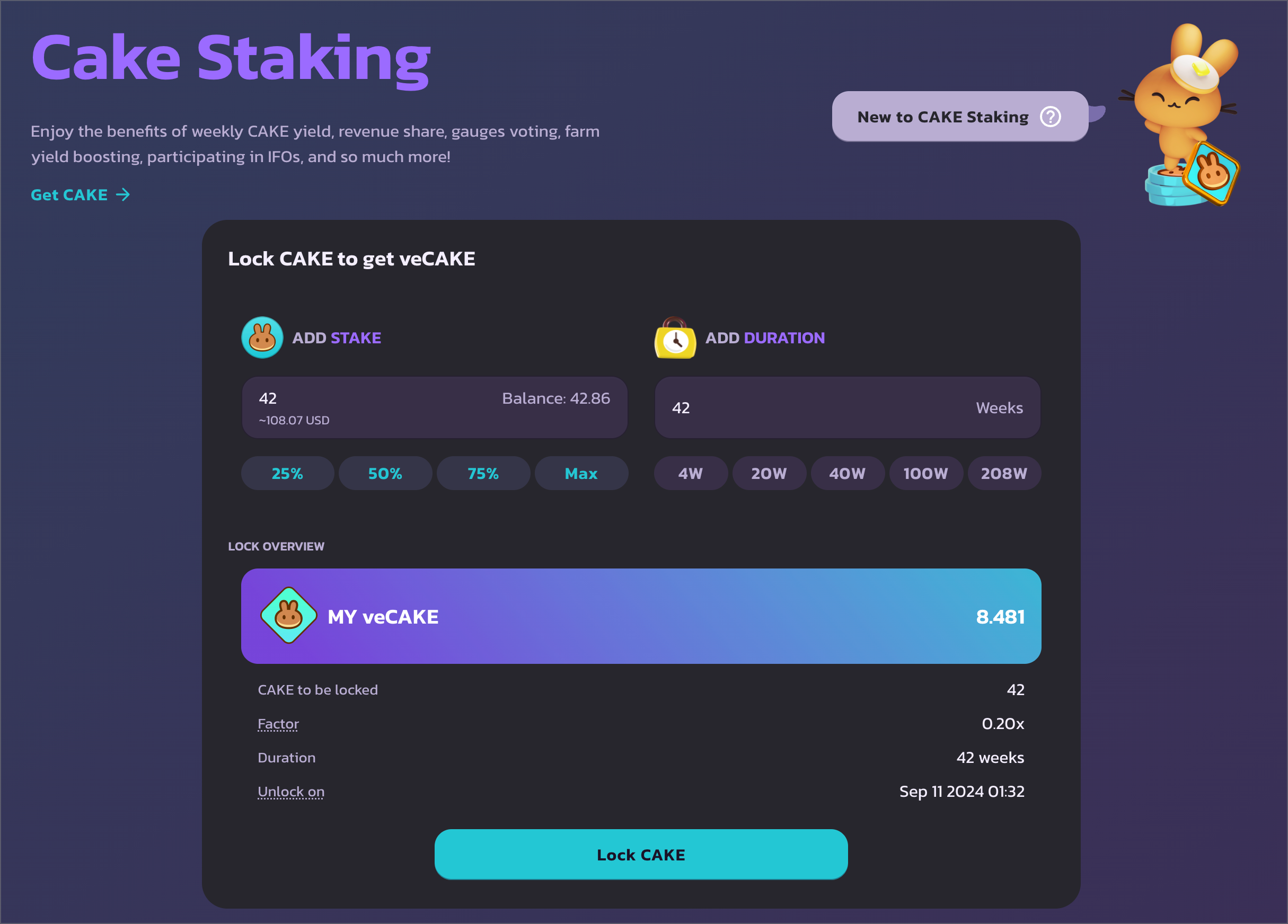
Vai su e connetti il tuo Portafoglio. Tieni presente che lo Staking veCAKE è disponibile solo su BNB Chain.
## Scegli l'importo e la durata del blocco
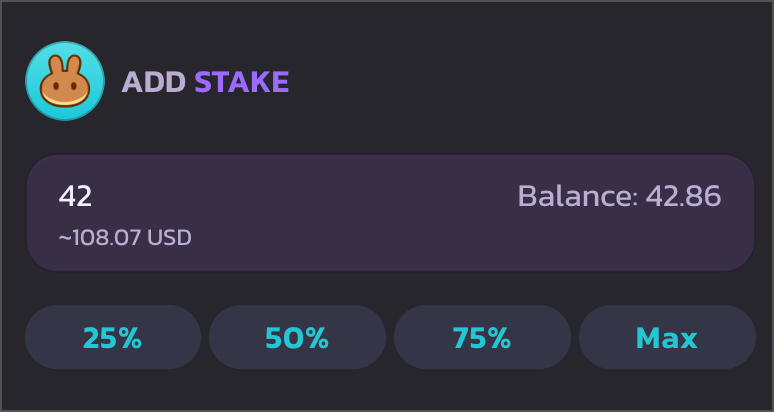
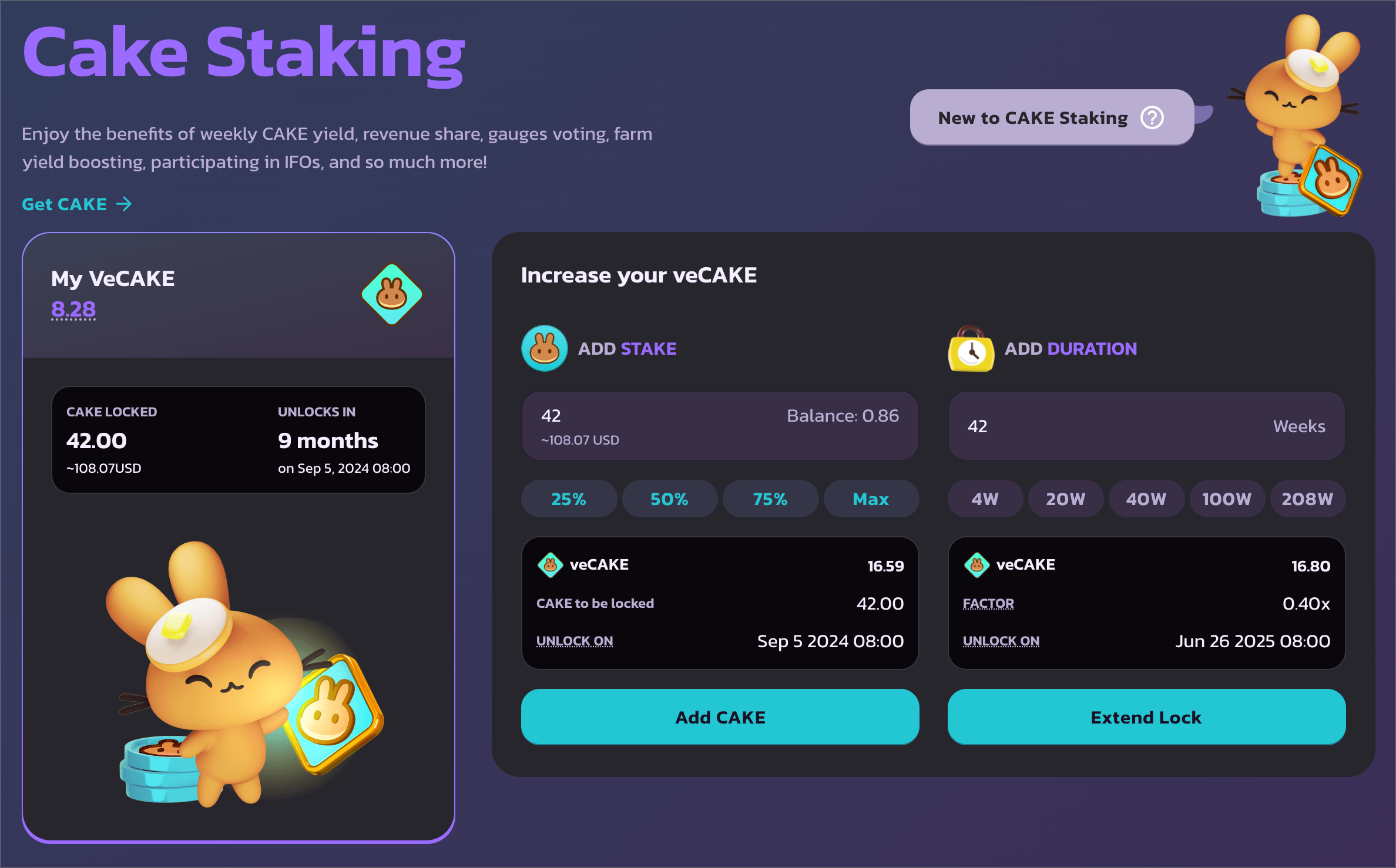
A sinistra puoi inserire l'importo di CAKE che desideri bloccare.
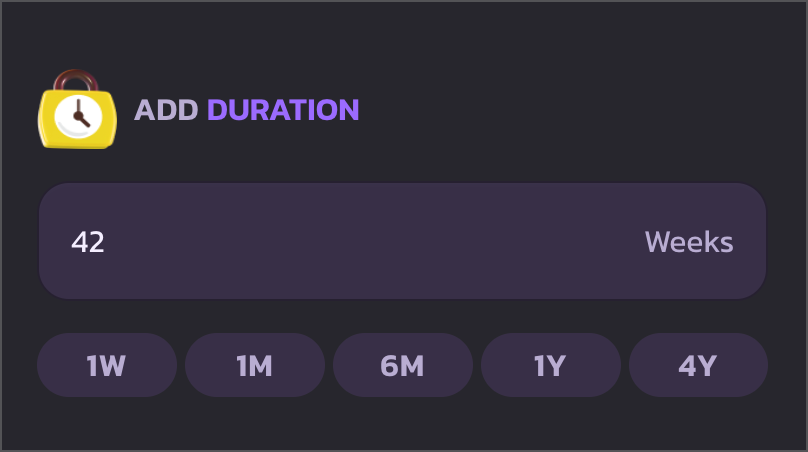
A destra puoi scegliere la durata per cui bloccare i tuoi CAKE. La durata minima del blocco è 1 settimana, e la durata massima è stata estesa a 4 anni.
Per selezionare rapidamente la durata del blocco, utilizza i pulsanti di azione rapida per scegliere tra: 1 settimana, 1 mese, 6 mesi, 1 anno e 4 anni.
## Approva la spesa di CAKE e inizia il blocco
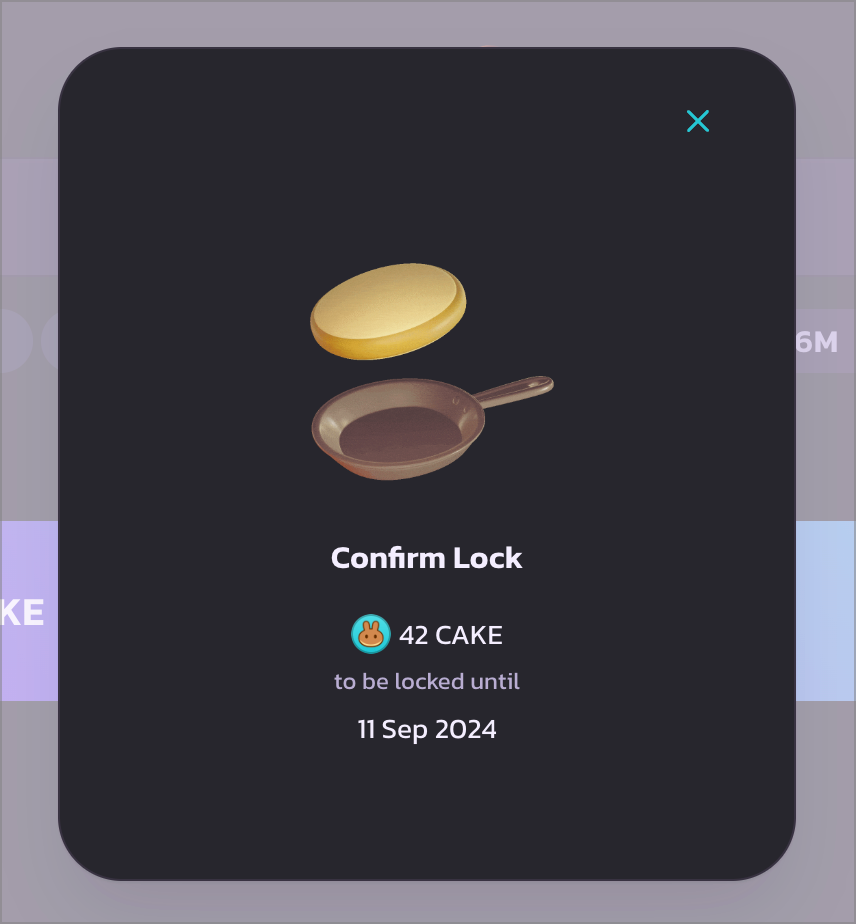
Una volta confermato, clicca su "Lock CAKE" per procedere. Apparirà una finestra modale di caricamento e il tuo Portafoglio dovrebbe chiederti di confermare la spesa di CAKE. Conferma la transazione nel Portafoglio per continuare.
Dopo che la transazione di approvazione della spesa di CAKE è stata eseguita, dovrebbe apparire un altro popup del Portafoglio. Conferma quella transazione per bloccare CAKE e ottenere veCAKE.
## Ottimo lavoro
Una volta confermato, dovresti vedere i dettagli della tua posizione di Staking veCAKE sulla sinistra, con l'importo di CAKE bloccato e il momento dello sblocco. E soprattutto — il tuo numero di veCAKE.
Scorri verso il basso per controllare tutti i vantaggi di veCAKE.
---
# Agent Instructions
This documentation is published with GitBook. GitBook is the documentation platform designed so that both humans and AI agents can read, navigate, and reason over technical content effectively. Learn more at gitbook.com.
## Querying This Documentation
If you need additional information that is not directly available in this page, you can query the documentation dynamically by asking a question.
Perform an HTTP GET request on the current page URL with the `ask` query parameter, and the optional `goal` query parameter:
```
GET https://docs.pancakeswap.finance/italian/benvenuto-su-pancakeswap/vecake-sunset/archive-vecake/how-to-get-vecake.md?ask=&goal=
```
`ask` is the immediate question: it should be specific, self-contained, and written in natural language.
`goal` is optional and describes the broader end goal you are ultimately trying to accomplish on behalf of the user. GitBook uses it to tailor the answer towards what is most useful for that goal.
The response will contain a direct answer to the question and relevant excerpts and sources from the documentation.
Use this mechanism when the answer is not explicitly present in the current page, you need clarification or additional context, or you want to retrieve related documentation sections.