> For the complete documentation index, see [llms.txt](https://docs.pancakeswap.finance/llms.txt). Markdown versions of documentation pages are available by appending `.md` to page URLs; this page is available as [Markdown](https://docs.pancakeswap.finance/chinese/zhuan-qu/pancakeswap-pools/liquidity-guide.md).
# 如何添加/移除流动性(EVM)

“流动性”是 PancakeSwap 交易所运作的核心。您可以通过在流动性页面质押交易对中的两种代币来为任何代币对添加流动性。
作为添加流动性的回报,您将获得该交易对的交易手续费,并获得 NFT 或 LP 代币,您可以将其质押在[农场](https://pancakeswap.finance/farms)中以赚取 CAKE 奖励!
## Exchange V3
要提供流动性,您需要投入一定数量的任意代币对。两种代币中价值(以美元计)较低的一方将成为您可提供流动性的上限。
您可以轻松交易您所需的任何代币。如有需要,请访问我们的[如何在 PancakeSwap 上交易](https://docs.pancakeswap.finance/get-started/trade-guide)指南。
在本示例中,我们将使用 ETH 和 USDC 添加 V3 流动性。
1 - 访问[流动性](https://pancakeswap.finance/liquidity)页面。
2 - 点击“Add Liquidity”(添加流动性)按钮。
3 - 使用左上角的输入框,选择您想要添加流动性的交易对中的两种代币。这里,我们以 ETH 和 USDC 为例。

4 - 界面将自动选择最热门的交易手续费等级,并为您配置价格区间。
5 - 您可以通过查找“V3 LP - x% fee tier”(V3 LP - x% 手续费等级)显示,来确认您所提供流动性的资金池版本及手续费等级。

* 如果您想自定义手续费等级,请点击“More”(更多),然后选择所需的手续费等级。
* 请注意,始终建议向最热门的手续费等级提供流动性。
6 - 您可以在右侧的显示中查看并确认价格区间。

* 图表显示了所有价格区间内的流动性水平。您可以使用放大镜按钮进行缩放。您可以通过拖动底部的 x 轴来平移和浏览图表。
* 如果您想自定义价格区间,只需拖动手柄、点击两个价格旁的 + 和 - 按钮,或点击两个价格数字并手动输入。
* 尽管不建议这样做,您仍可以通过点击“Full Range”(全区间)按钮,向整个价格区间提供流动性。
7 - 在“Deposit Amount”(存入金额)下为其中一种代币输入金额。另一种代币应会自动计算并填充。如果其中一种代币余额不足,您将看到错误提示,且按钮将变灰。请输入较低的金额以继续,或使用“MAX”(最大)按钮填入最大可用金额。

8 - 点击“Enable USDC”(启用 USDC)按钮。如果您添加流动性的代币对中不包含 ETH,您可能需要为交易对中的每种代币点击两次启用。您的钱包将要求您确认该操作。

9 - 此时“Add”(添加)按钮将亮起。点击以继续。

10 - 将弹出一个新窗口以预览您的流动性头寸。如果一切看起来无误,再次点击“Add”(添加)以继续。

11 - 您的钱包将要求您确认。请在钱包中确认您的交易。
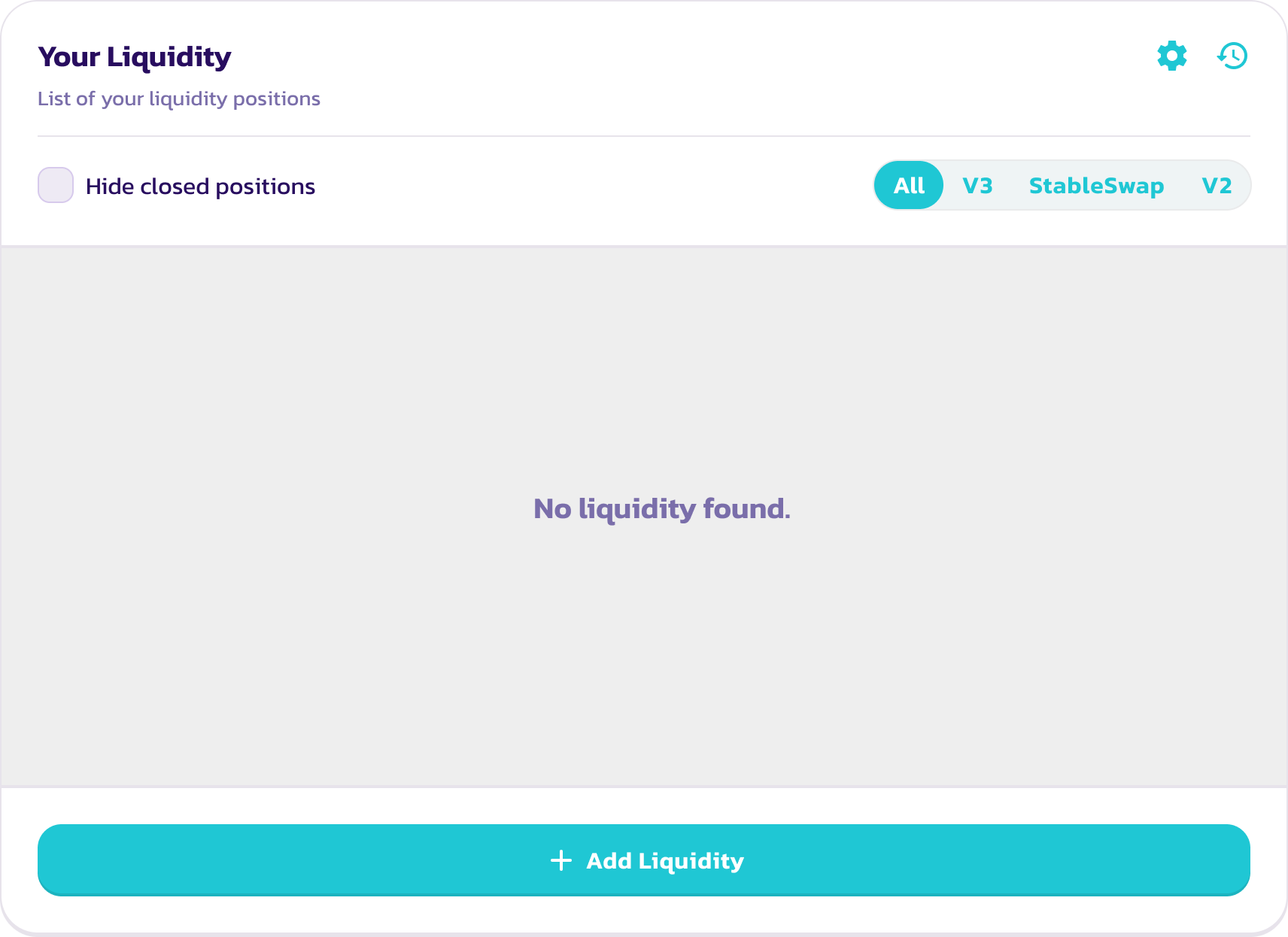
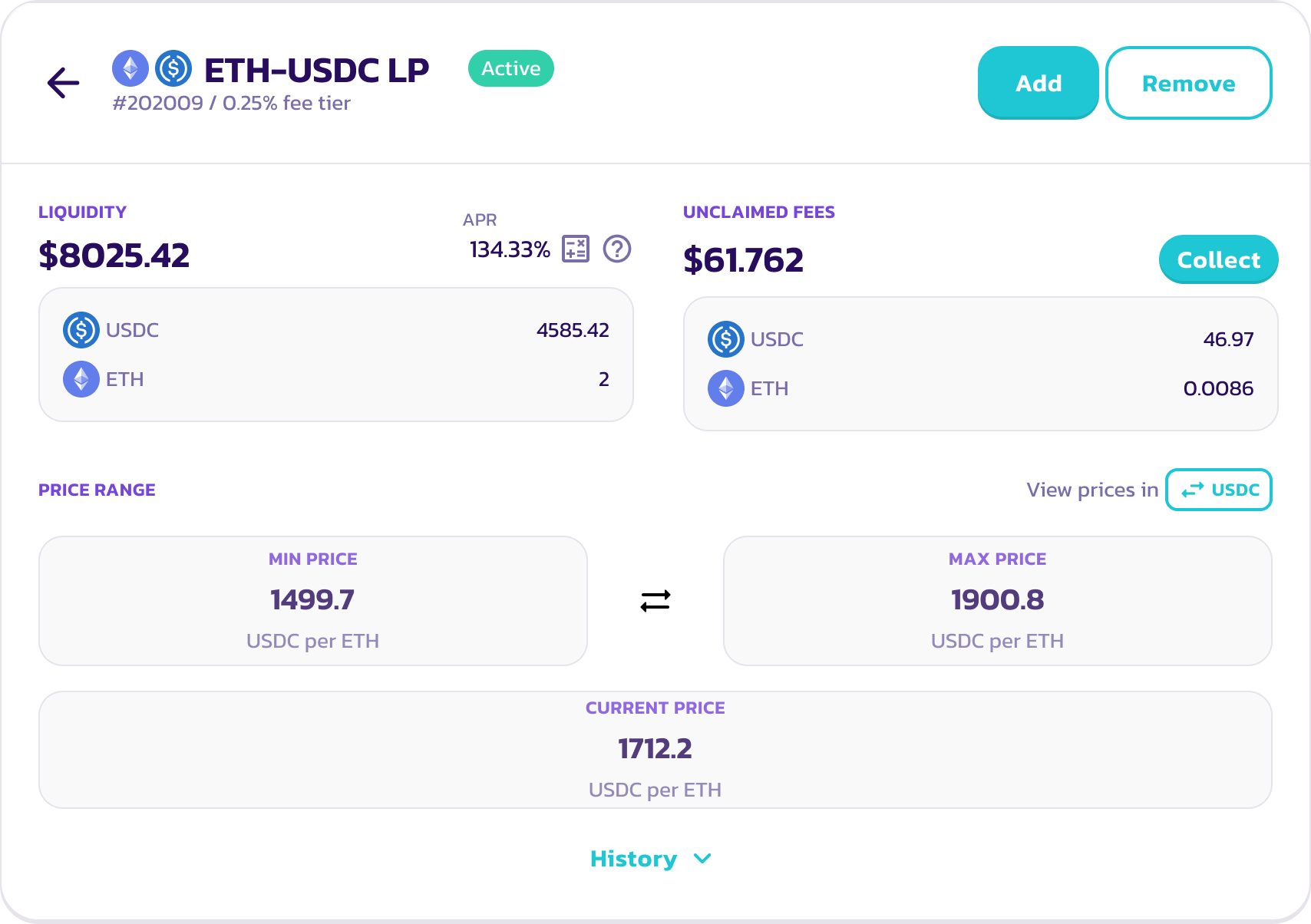
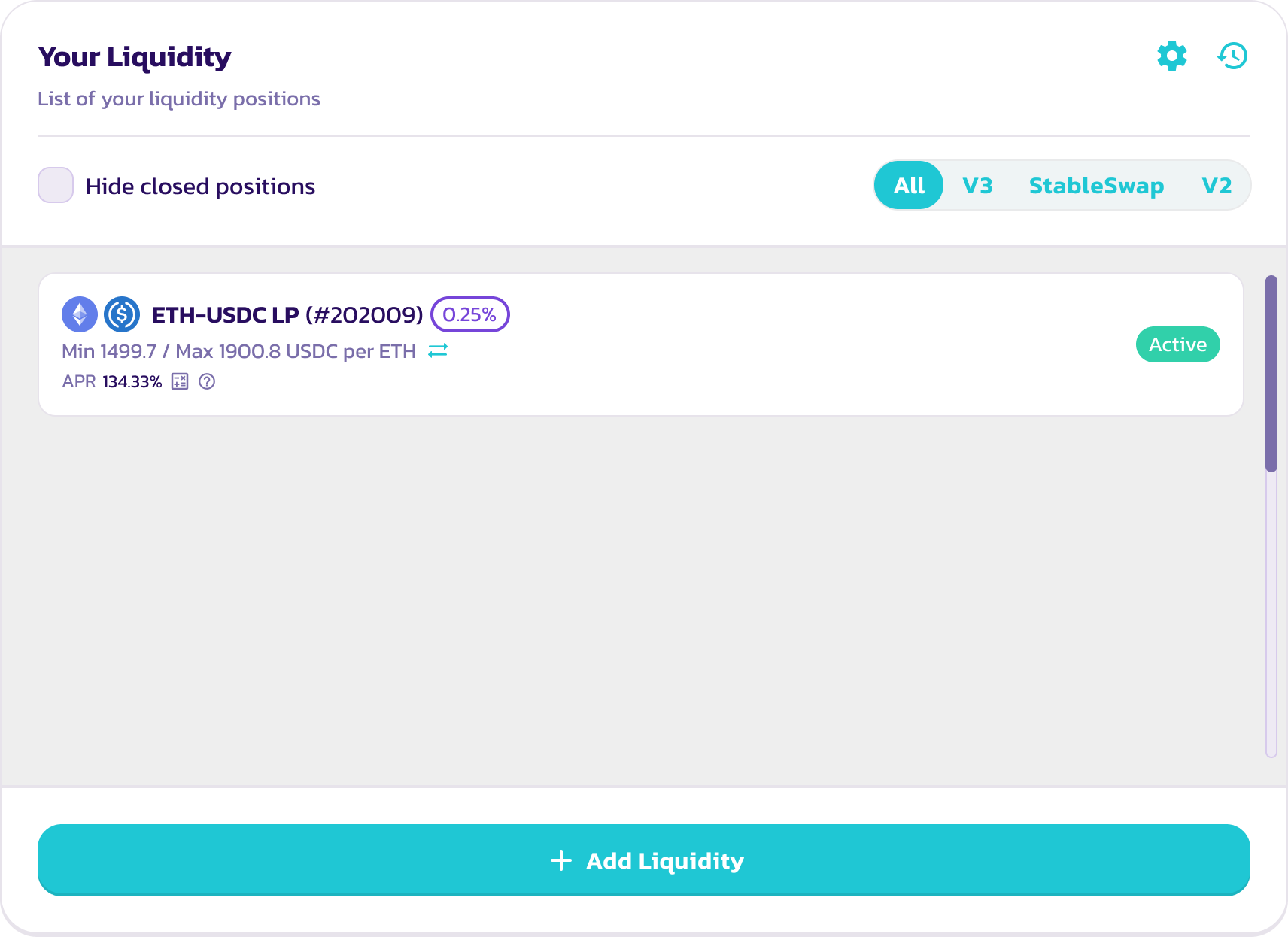
12 - 不久之后,您将在“My Liquidity”(我的流动性)页面上看到您的新流动性头寸。您可以通过点击该头寸来查看其详情。
### **移除流动性**
要移除流动性。
1 - 访问[流动性](https://pancakeswap.finance/liquidity)页面**。**
2 - 在“Your Liquidity”(您的流动性)下点击您想要移除流动性的头寸。您可以使用筛选器快速查看所有 V3 流动性头寸。

3 - 点击“Remove”(移除)。将出现一个新窗口。

4 - 使用按钮或滑块选择您想要移除的流动性数量。选择“MAX”(最大)以移除您在该交易对中的全部流动性。
5 - 点击“Remove”(移除)以继续。
6 - 将出现一个窗口,显示您将收到多少代币。再次点击“Remove”(移除)。您的钱包将要求您确认该操作。
7 - 交易确认后,您将收到交易对中的两种代币。如果您没有移除全部流动性,您剩余的流动性价值将在流动性页面上更新。
## Exchange V2
### 添加流动性
在本示例中,我们将使用 BNB 和 CAKE 添加 V2 流动性。
{% hint style="warning" %}
请注意,该示例仅用于说明目的,CAKE/BNB 交易对已迁移至 V3。除非其中一种底层代币不支持 Exchange V3,或该代币对的大部分流动性尚未迁移,否则请始终提供 V3 流动性。
{% endhint %}
1. 访问[流动性](https://pancakeswap.finance/liquidity)页面。
2. 点击“Add Liquidity”(添加流动性)按钮。
3. 使用左上角的输入框,选择您想要添加流动性的交易对中的两种代币。这里,我们以 BNB 和 CAKE 为例。
4. 界面将默认添加 V3 流动性,但有几个例外:
1. 如果该交易对有活跃的 PancakeSwap V2 农场,它将默认添加 V2 流动性。
2. 如果该交易对存在现有的 V2 流动性资金池,它将显示一个“Add V2 Liquidity”(添加 V2 流动性)链接。只需点击即可切换至添加 V2 流动性。
5. 通过查找“V2 LP - 0.25 fee tier”(V2 LP - 0.25 手续费等级)显示,确认您现在正在添加 V2 流动性。
6. 在“Deposit Amount”(存入金额)下为其中一种代币输入金额。另一种代币应会自动计算并填充。如果其中一种代币余额不足,您将看到错误提示,且按钮将变灰。请输入较低的金额以继续,或使用“MAX”(最大)按钮填入最大可用金额。
7. 点击“Enable CAKE”(启用 CAKE)按钮。如果您添加流动性的代币对中不包含 BNB,您可能需要为交易对中的每种代币点击两次启用。您的钱包将要求您确认该操作。
8. 此时“Add”(添加)按钮将亮起。点击以继续。
9. 您的钱包将要求您确认。请在钱包中确认您的交易。
10. 不久之后,您将在流动性页面上看到您的 LP 代币余额,以及来自 V3 和 StableSwap 的其他流动性头寸。
### **移除流动性**
要移除流动性。
1\. 访问[流动性页面](https://exchange.pancakeswap.finance/#/pool)**。**
2\. 在“Your Liquidity”(您的流动性)下点击您想要移除流动性的交易对。您可以使用筛选器快速查看所有 V2 流动性头寸。
3\. 点击“Remove”(移除)。将出现一个新的弹窗。
4\. 使用按钮或滑块选择您想要移除的流动性数量。选择“MAX”(最大)以移除您在该交易对中的全部流动性。
5\. 点击“Enable”(启用)。您的钱包将要求您签署该操作**。**
6\. “Remove”(移除)按钮将亮起。点击以继续。
7\. 将出现一个窗口,显示您将收到多少代币。点击“Confirm”(确认)。您的钱包将要求您确认该操作。
8\. 交易确认后,您将收到交易对中的两种代币。如果您没有移除全部流动性,您剩余的流动性价值将在流动性页面上更新。
---
# Agent Instructions
This documentation is published with GitBook. GitBook is the documentation platform designed so that both humans and AI agents can read, navigate, and reason over technical content effectively. Learn more at gitbook.com.
## Querying This Documentation
If you need additional information that is not directly available in this page, you can query the documentation dynamically by asking a question.
Perform an HTTP GET request on the current page URL with the `ask` query parameter, and the optional `goal` query parameter:
```
GET https://docs.pancakeswap.finance/chinese/zhuan-qu/pancakeswap-pools/liquidity-guide.md?ask=&goal=
```
`ask` is the immediate question: it should be specific, self-contained, and written in natural language.
`goal` is optional and describes the broader end goal you are ultimately trying to accomplish on behalf of the user. GitBook uses it to tailor the answer towards what is most useful for that goal.
The response will contain a direct answer to the question and relevant excerpts and sources from the documentation.
Use this mechanism when the answer is not explicitly present in the current page, you need clarification or additional context, or you want to retrieve related documentation sections.